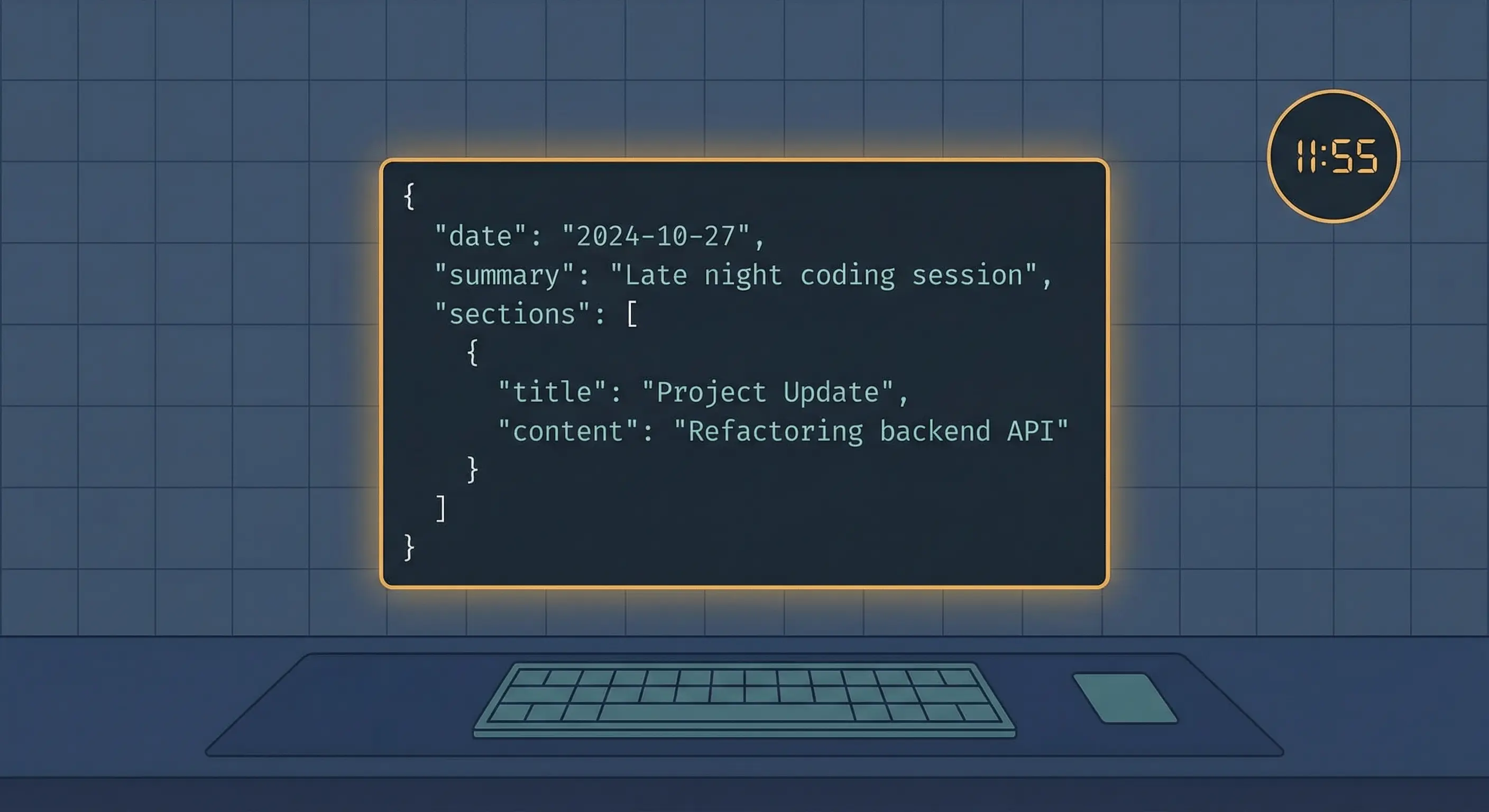
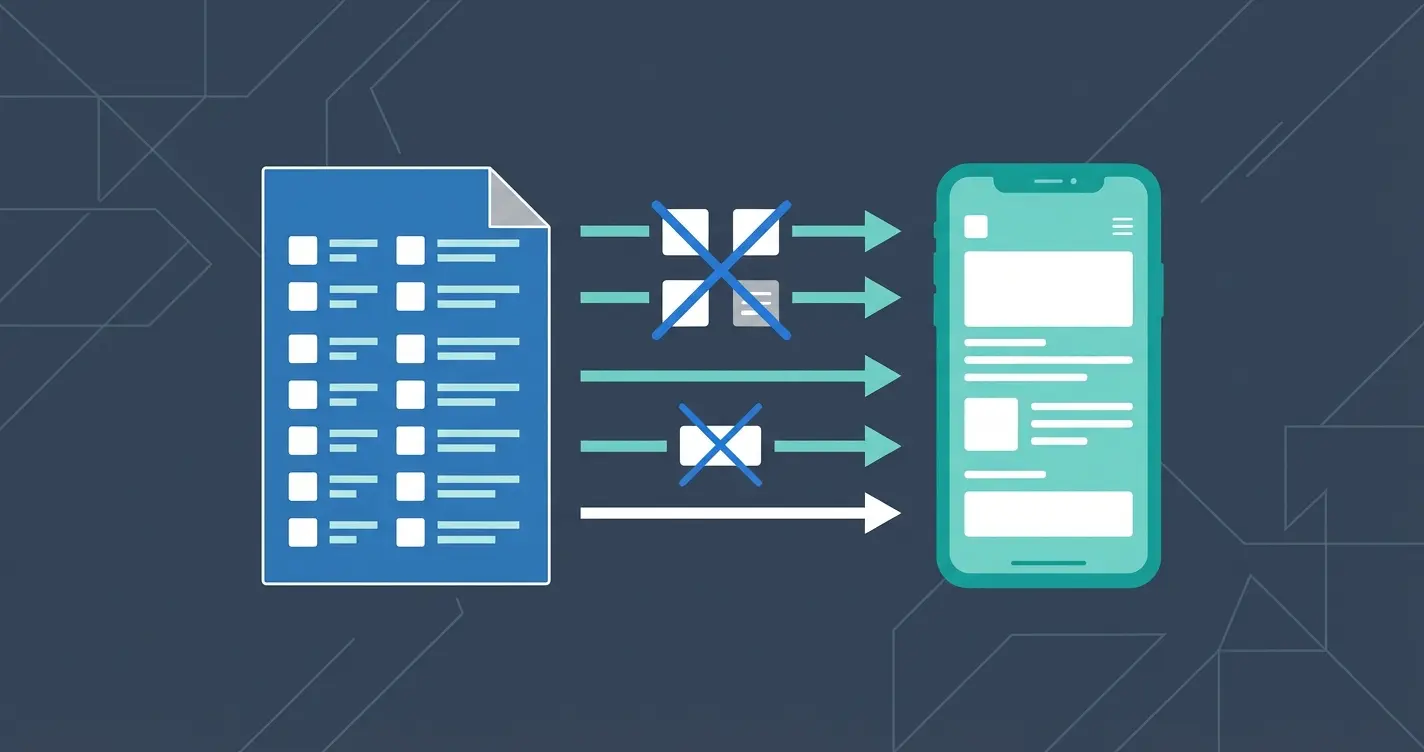
OpenClaw automated journaling cron job pulls git commits, Lantern tasks, and session summaries into a structured daily entry at 11:55 PM Pacific every night.
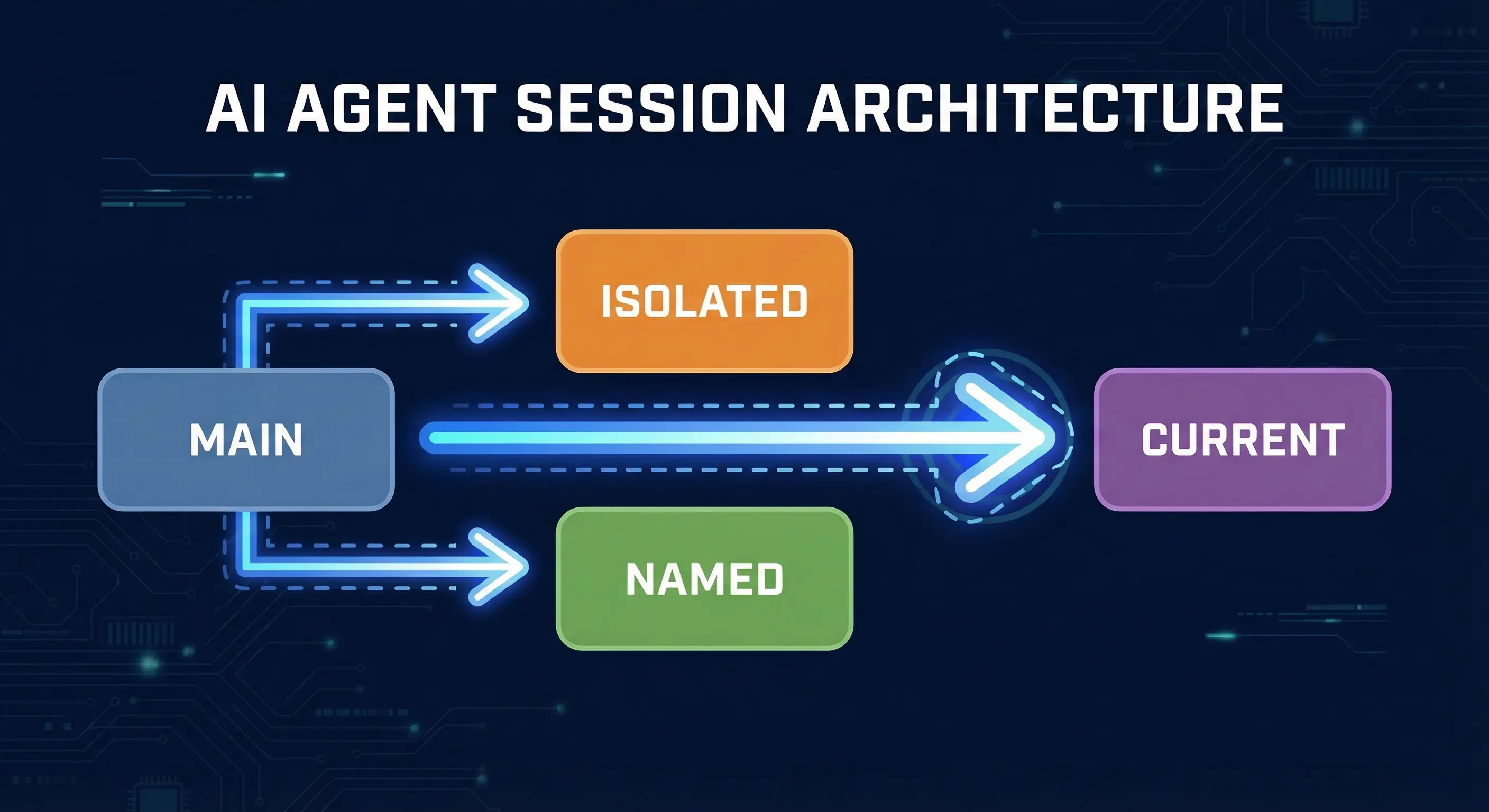
OpenClaw Session Types Explained: Main, Isolated, and Named
OpenClaw has four session types: main, isolated, named, and current. Learn when to use each one in cron jobs and subagents to control context and token costs.
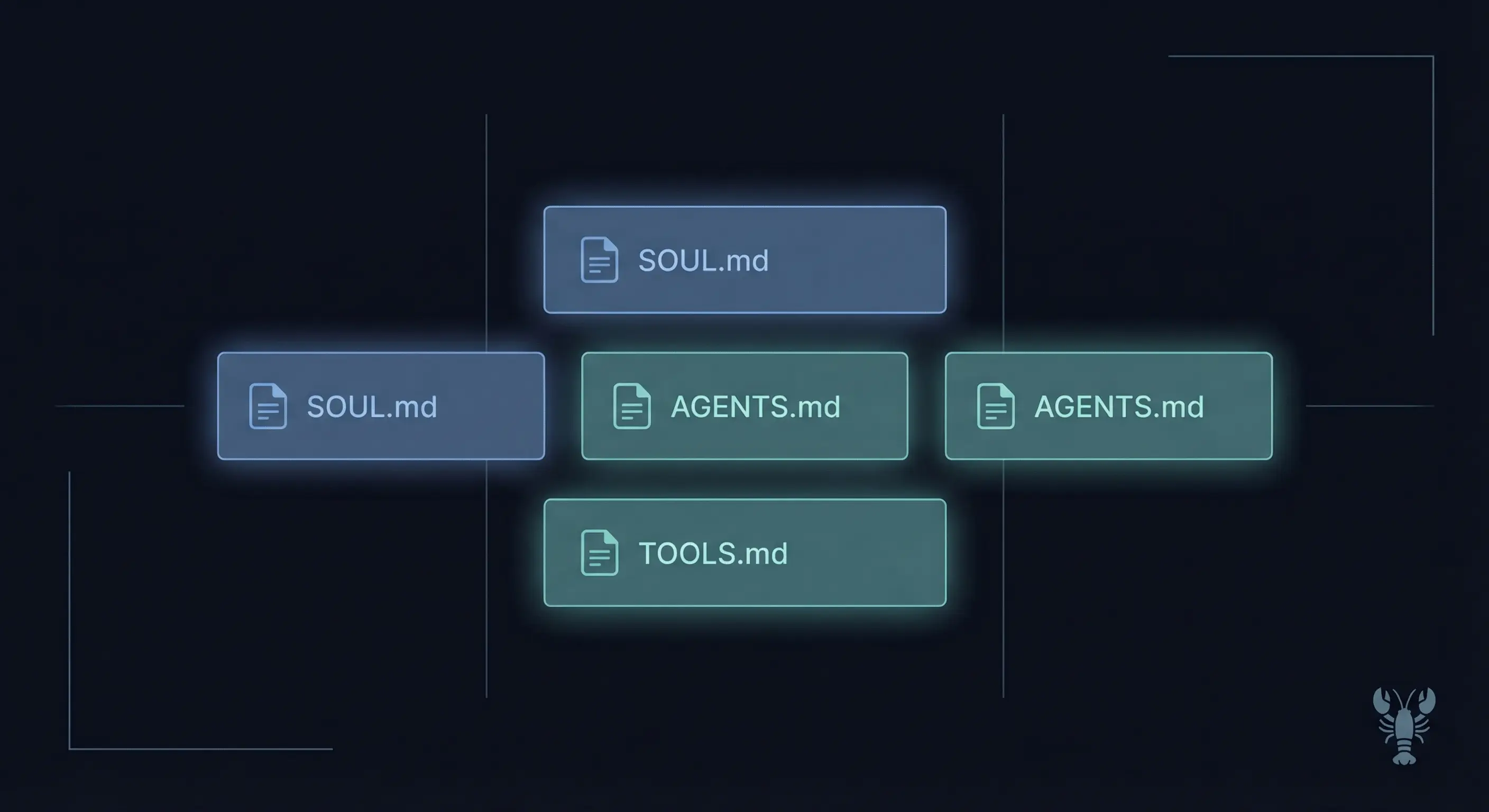
How to Write AGENTS.md, SOUL.md, and TOOLS.md for OpenClaw
Write effective AGENTS.md, SOUL.md, USER.md, TOOLS.md, and MEMORY.md files for OpenClaw. What goes in each file, how to keep them small, and the mistakes that waste tokens.
OpenClaw DM Policy: How All Four Modes Actually Work
OpenClaw DM policy controls who can DM your bot. This guide covers all four modes, pairing, allowlist, open, and disabled, with config examples per channel.
OpenClaw Cost Control: Cut API Spending, Keep Your Agent
OpenClaw API costs explained: monitor token usage with /status and /context detail, assign cheap models to routine tasks, and set provider-level spend limits
Complete OpenClaw Feishu Setup: Connect Your Agent to Feishu
OpenClaw Feishu setup: create your app, configure the channel, approve pairing, and fix 4 common failure points including the v2026.2.14 dmPolicy change.
How I Rebuilt My Blog From Scratch Using an AI Agent (Every Mistake Included)
I rebuilt stack-junkie.com v3 entirely with an OpenClaw agent over 14 sessions, 20-plus failed hero image attempts and an agent that would not stop touching the footer
Connect OpenClaw to Google Chat using a service account, HTTPS webhook, and full config walkthrough. Covers every step from Cloud project to pairing approval.
Set Up OpenClaw With iMessage via BlueBubbles (5-Step Guide)
Mac required. Connect OpenClaw to iMessage via BlueBubbles: install the server app, enable the web API, configure OpenClaw, and wire the webhook. Covers all 5 steps.
Connect OpenClaw to IRC in 4 Steps (Easiest Channel Setup)
Set up OpenClaw on IRC in minutes: TLS config, NickServ registration, channel access control, and tool restrictions for public bots on Libera.Chat and OFTC.
Connect OpenClaw to WhatsApp in 4 steps. No new phone number needed. Scan a QR code, pair your account, and chat with your AI from your existing WhatsApp.
OpenClaw Discord Setup Guide: Bot Running in 6 Steps
Set up OpenClaw on Discord step by step: create a bot, configure intents, set permissions, add the token, invite to your server, and send your first message.
Fix 'npm install failed for openclaw@latest' and Other Install Errors
Fix npm install failed for openclaw@latest, Node version mismatches, permission errors, port conflicts, and gateway crashes after upgrading. Copy-paste commands for each fix.
Build a 24/7 Dashboard for Your AI Agent in 48 Hours
My AI agent kept forgetting context between sessions. I built a dashboard called Lantern to fix that. Here is the actual implementation with code you can copy.
How to Set Up OpenClaw Cron Jobs (With Examples You Can Copy)
Set up OpenClaw cron jobs with openclaw cron add. Three schedule types, copy-paste templates for backups, reminders, and health checks, plus how to debug failed runs.
How to Install OpenClaw Skills From ClawHub (+ Build Your Own)
Install OpenClaw skills with openclaw skill install, update with openclaw skill update, and browse ClawHub. Plus how to build and publish your own custom skills.
OpenClaw Security Guide: 7 Fixes to Harden Your AI Agent
Harden your OpenClaw agent: bind to localhost, set auth tokens, configure allowlists, review tool permissions, and run security audit. Seven fixes with commands.
OpenClaw Telegram Setup: Token, allowFrom, and First Message in 5 Steps
Connect OpenClaw to Telegram in 5 steps. Create a bot in BotFather, set your token, configure allowFrom with your numeric sender ID, approve pairing, and send your first message.
Claude Code Custom Agents Guide: Context Engineering and TDD
How to use custom agents in Claude Code for building software projects. Context engineering, TDD with AI agents, and multiple specialized agents guide.
The 9-phase PRD workflow template that makes AI coding tools actually work. Turn scattered ideas into implementation-ready specs with fewer misunderstandings.