
OpenClaw TikTok Marketing: How the Larry Skill Works
OpenClaw TikTok marketing via the Larry skill: 6-slide formula, image gen, Postiz feedback loop, and hook iteration that drove 500K views in 5 days.

MoSCoW method works for solo developers, but only if you fix the bias problem. Here's how to apply it when you're both the PM and the engineer.
Read articleOpenClaw TikTok marketing via the Larry skill: 6-slide formula, image gen, Postiz feedback loop, and hook iteration that drove 500K views in 5 days.
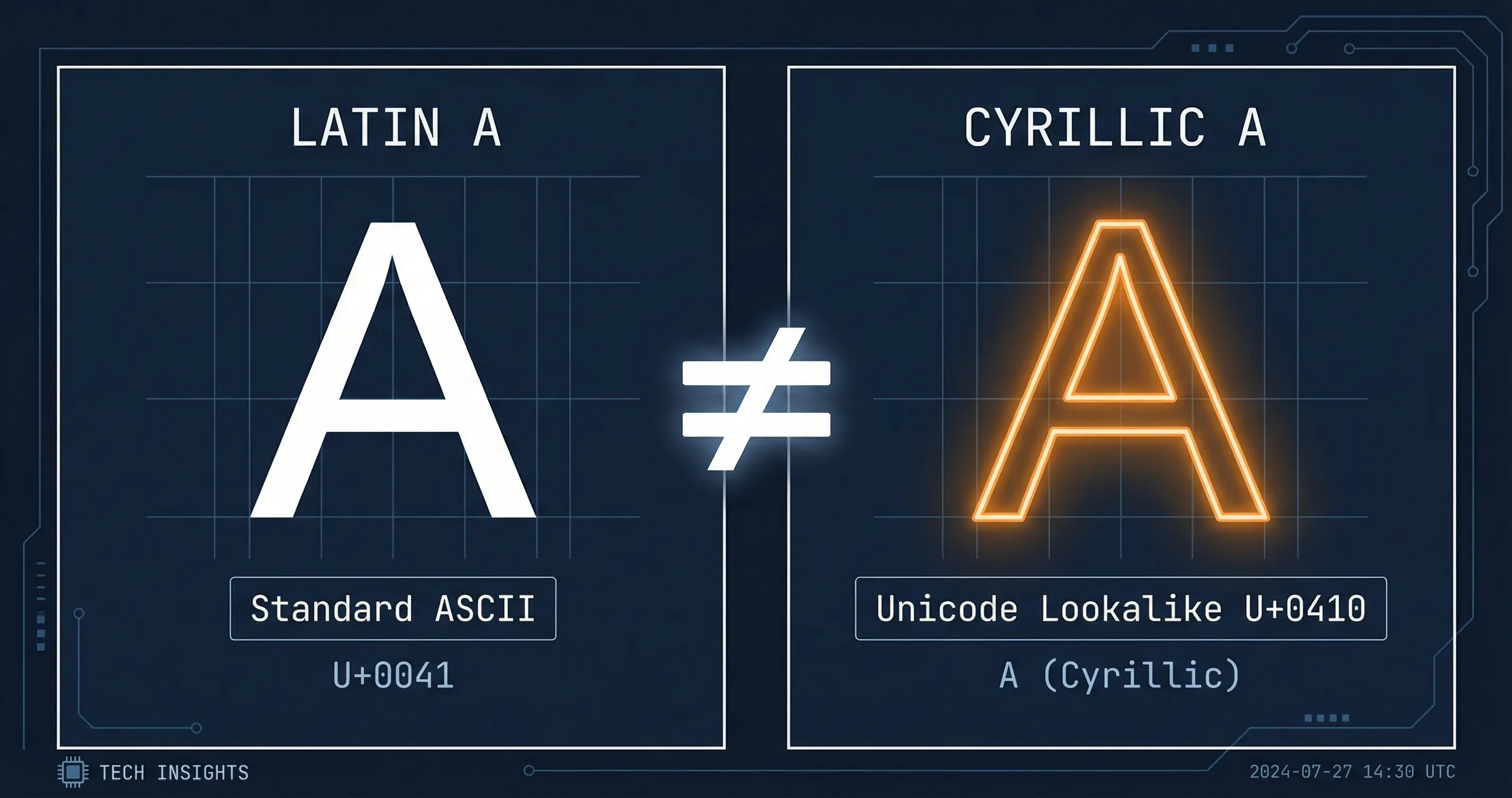
How TwainGPT humanizer works, whether it uses unicode substitution, and what the evidence actually shows about bypassing AI detectors.

Keyboard apps and utility apps collect more than you realize. What the permissions mean, which apps are the worst offenders, and what to use instead.
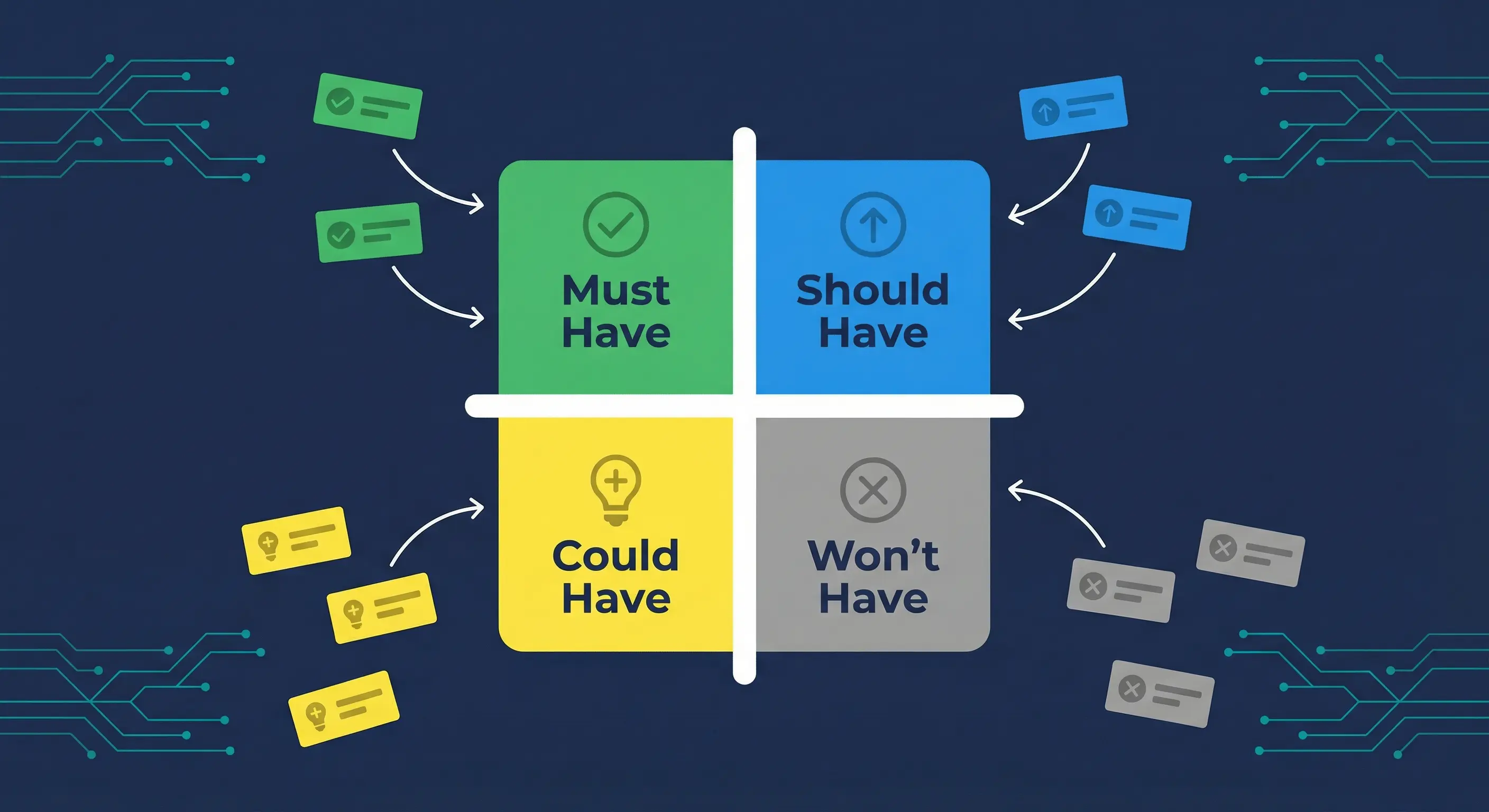
MoSCoW breaks when every feature lands in Must Have. Here are the session steps, hard conversations, and scope cuts that worked.
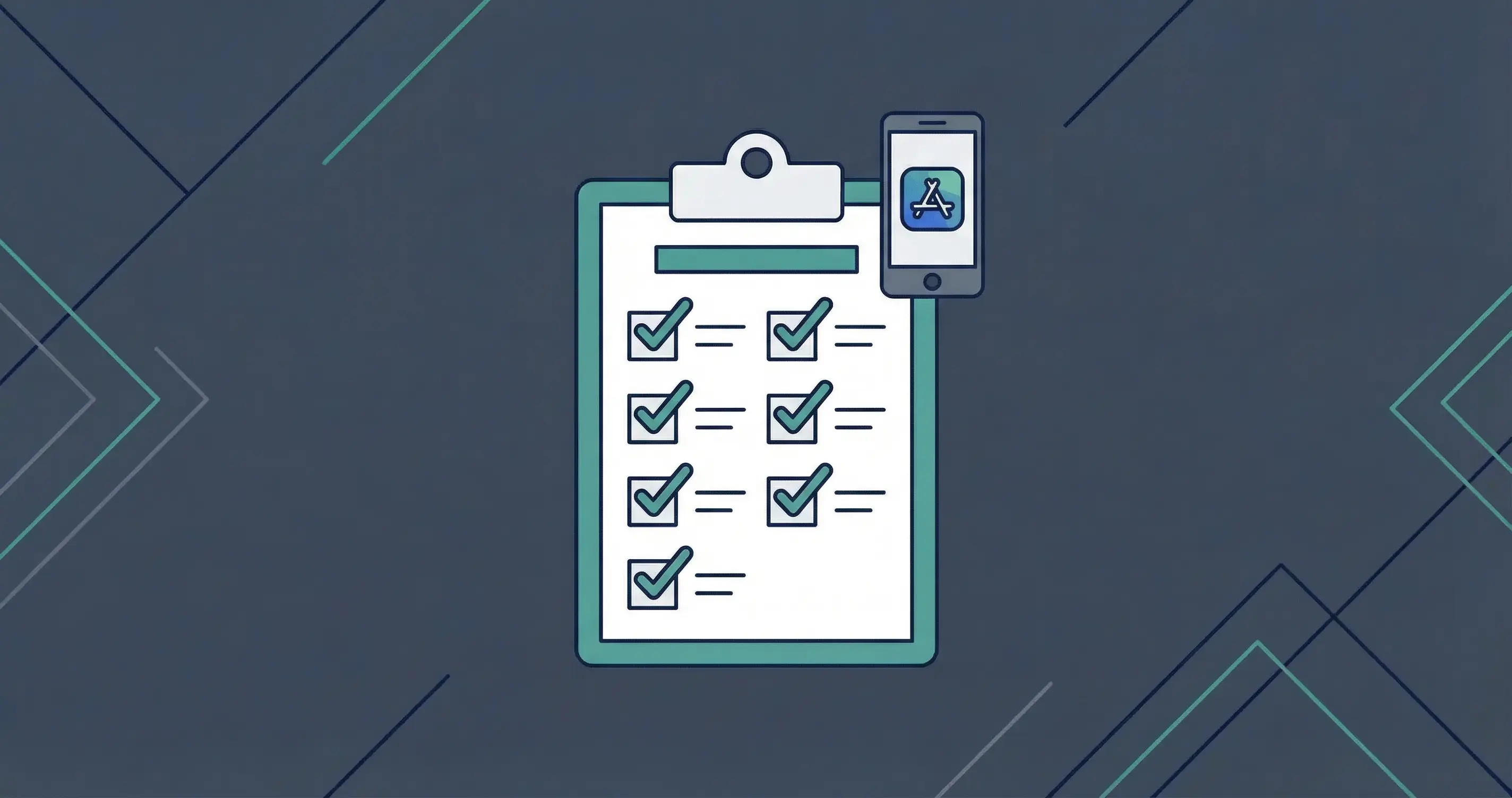
Solo developer release checklist covering testing, store submission for Google Play and Microsoft Store, launch prep, and post-launch monitoring.
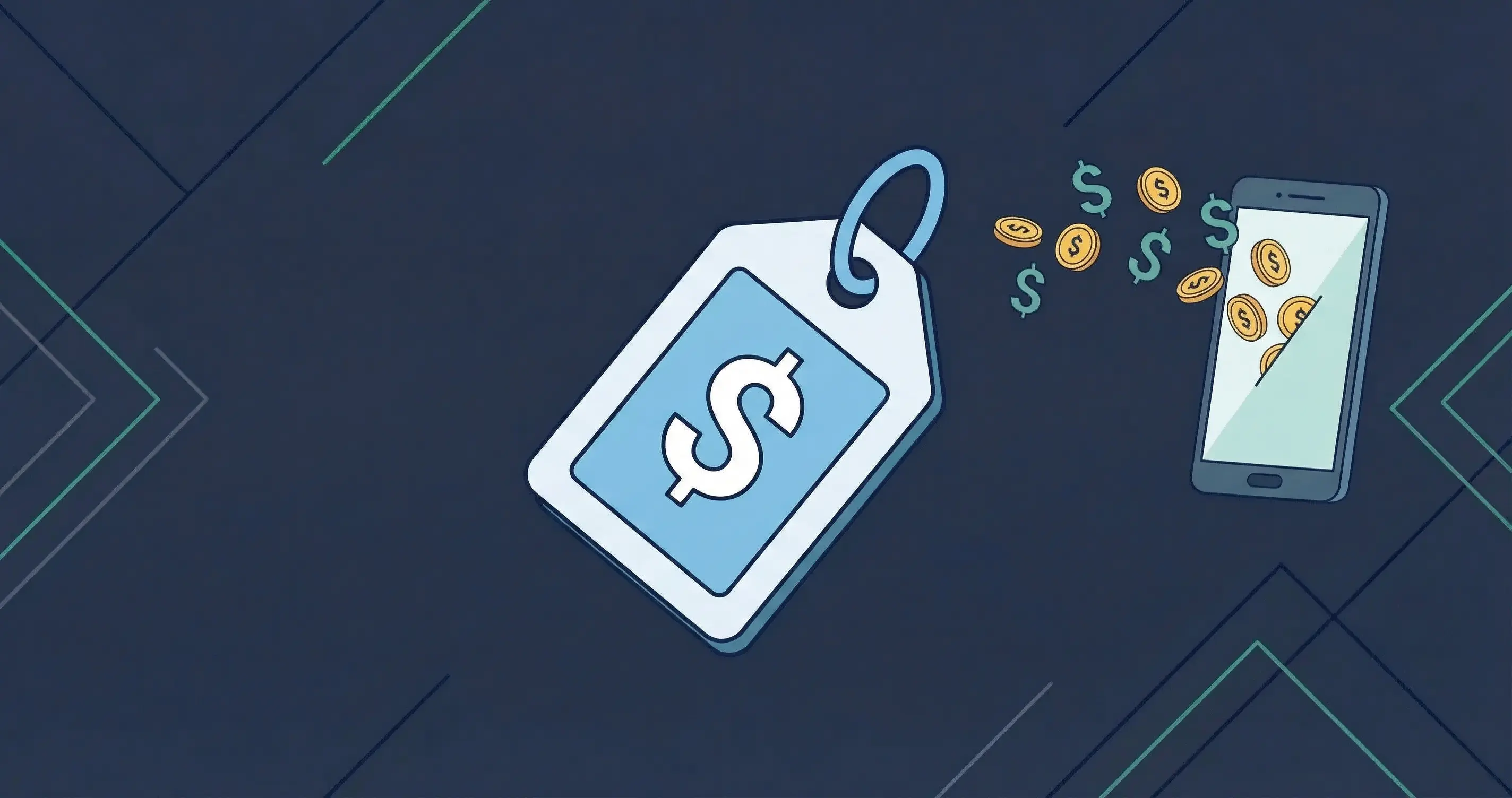
Free apps cost you attention, data, and dark-pattern upgrades. Here is the real math on what ad-supported and freemium apps actually extract from users.
A desktop Kanban widget for organizing cards and boards, with local storage.
A Windows speech-to-text app that transcribes audio on your device.
Install skills for interface design, managing Codex work and recovering context after compaction.