How to Write AGENTS.md, SOUL.md, and TOOLS.md for OpenClaw
OpenClaw was previously known as Clawdbot and Moltbot. This guide applies to all versions.
Write effective AGENTS.md, SOUL.md, USER.md, TOOLS.md, and MEMORY.md files for OpenClaw. What goes in each file, how to keep them small, and the mistakes that waste tokens.

Key takeaways
- OpenClaw loads every bootstrap file into context on every session, so file size directly affects token cost and available context
- Each bootstrap file owns one concern: AGENTS.md for rules, SOUL.md for personality, USER.md for user info, IDENTITY.md for agent identity, TOOLS.md for environment notes, MEMORY.md for learned patterns
- Duplication across files wastes tokens and creates conflicting instructions when one copy gets updated and the other doesn't
- The "ball of mud" anti-pattern happens when AGENTS.md grows into a catch-all dump of rules, personality notes, tool configs, and memory; fix it by moving content to the correct file
- Use
bootstrapMaxCharsandbootstrapTotalMaxCharsin openclaw.json to set hard limits on file injection size - Grab the OpenClaw System MD Files starter templates to skip the setup from scratch (~1,440 tokens total)
OpenClaw Starter Kit: If you are just getting started, the OpenClaw Starter Kit bundles config templates, workspace file examples, and skills we actively use. It covers the setup steps in this guide.
Always review commands your agent suggests before approving them. Don't paste prompts from sources you don't trust.
Fixes when it breaks. Workflows when it doesn't.
OpenClaw guides, configs, and troubleshooting notes. Every two weeks.
How OpenClaw assembles your system prompt every session
OpenClaw builds your agent's system prompt by reading workspace files and injecting them under a "Project Context" block in the system prompt. This happens at the start of every session. Every session. Not just the first one.
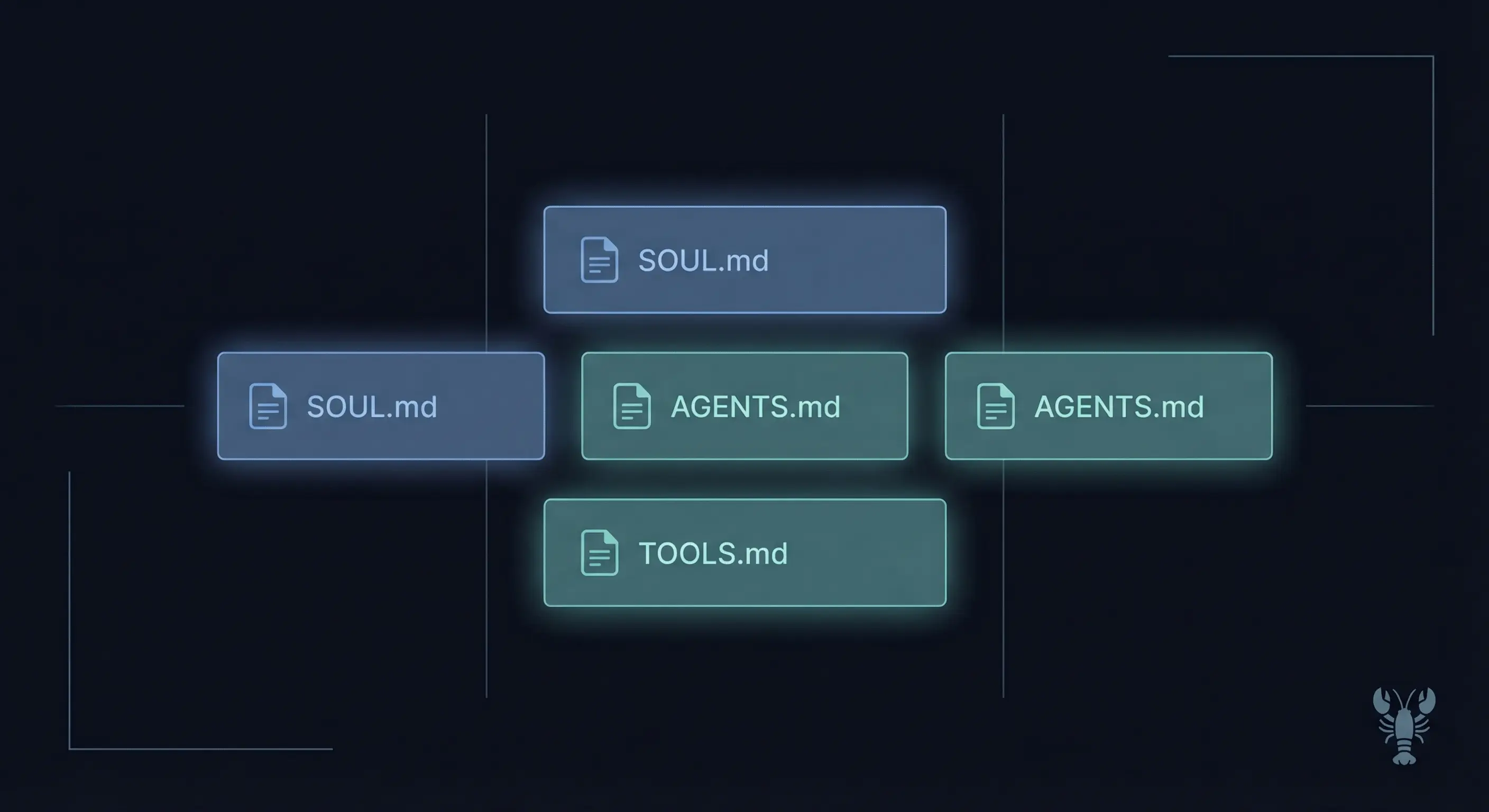
The files that get injected are called bootstrap files. Here's what loads:
- AGENTS.md for operational rules and policies
- SOUL.md for personality and tone
- USER.md for information about the user
- IDENTITY.md for agent name, avatar, emoji
- TOOLS.md for environment-specific notes
- MEMORY.md (or memory.md) for learned patterns and preferences
- HEARTBEAT.md for periodic task checklists
A few things that don't load the way you might expect:
BOOTSTRAP.md only runs on brand-new workspaces. It's a one-time setup prompt, not a recurring injection. If you've already had your first conversation, BOOTSTRAP.md is done.
Daily notes (memory/YYYY-MM-DD.md files) are not auto-injected. They're available through the memory_search tool when the agent needs them, but they don't eat context on every request. This is intentional. Daily notes pile up fast, and injecting them all would burn through your context window in days.
Skills load as a compact list showing name, description, and file path. The agent reads the full SKILL.md on demand when it decides a skill is relevant. A workspace with 30 skills doesn't inject 30 full skill files into every prompt.
OpenClaw also supports different prompt modes. The default full mode injects everything. The minimal mode, used for sub-agents, strips out Skills, Memory Recall, Reply Tags, Messaging, and Heartbeats sections to keep sub-agent costs down. The none mode skips the entire system prompt assembly.
What each OpenClaw bootstrap file owns (and what doesn't belong)
Every bootstrap file has one job. When content ends up in the wrong file, you get duplicated instructions, conflicting guidance, and wasted tokens. Here's what each file is responsible for:
| File | Owns | Does NOT own |
|---|---|---|
| AGENTS.md | Operational rules, routing, security policies, scope constraints | Personality, tone, user preferences, tool endpoints |
| SOUL.md | Persona, tone, humor style, communication boundaries | Rules, routing, memory, tool configs |
| USER.md | Who the user is, interaction preferences, hardware, background | Agent behavior rules, personality |
| IDENTITY.md | Agent name, avatar, emoji, creature concept | Behavior, rules, personality depth |
| TOOLS.md | Environment notes: API endpoints, SSH hosts, device names | Tool availability (that's runtime policy in openclaw.json) |
| MEMORY.md | Learned patterns, distilled preferences, project history | Restated rules, duplicated policies |
| HEARTBEAT.md | Periodic checklist for heartbeat cron runs | Long instructions, rules, personality |
AGENTS.md is your Standard Operating Procedure. It tells the agent how to behave: what rules to follow, how to route messages, what security policies to enforce, what scope boundaries to respect. If you've written an effective AGENTS.md, it reads like a concise employee handbook, not a novel.
SOUL.md is personality. Tone, humor, communication style, when to be formal vs casual, what kind of jokes to make. The reason this is separate from AGENTS.md is that personality changes at a completely different rate than operational rules. You might update AGENTS.md weekly as you refine routing. SOUL.md might go months without a change once you've nailed your agent's voice.
USER.md is about the human, not the agent. Name, timezone, OS, preferred communication style, background info. This is where you put "I prefer step-by-step instructions" or "my primary OS is Windows." It's not where you put "always be concise," because that's a behavioral rule (AGENTS.md) or a tone decision (SOUL.md).
IDENTITY.md is minimal by design. Name, avatar path, emoji. Three to five lines. If your IDENTITY.md is more than 10 lines, you're probably putting personality content here that belongs in SOUL.md.
TOOLS.md is your cheat sheet for environment-specific details. API base URLs, authentication headers, camera names, SSH aliases, dashboard ports. One common mistake: putting behavioral rules in TOOLS.md. "Always use the Lantern API for task tracking" is a rule (AGENTS.md). "Lantern API base URL: http://localhost:3001" is a tool note (TOOLS.md).
MEMORY.md stores patterns the agent has learned over time: user preferences, project history, strategic notes, capability discoveries. The key distinction from AGENTS.md is that MEMORY.md is for learned patterns, not restated rules. If AGENTS.md says "no em dashes" and MEMORY.md also says "Chris doesn't like em dashes," delete the MEMORY.md entry. The rule already covers it.
HEARTBEAT.md is the shortest file in most setups. It lists what the agent should check during periodic heartbeat runs. Keep it to a checklist. If your HEARTBEAT.md has detailed instructions for how to perform each task, move those instructions to AGENTS.md or a skill file and keep HEARTBEAT.md as a reference list.
OpenClaw bootstrap token budget: why every line costs you
Every character in your bootstrap files gets injected into context on every request. A 10,000-character AGENTS.md costs roughly 2,500 tokens per session before the agent even reads your message. Multiply that across six or seven bootstrap files, add conversation history, and your context window fills up fast.
The most common offender is MEMORY.md. Without active curation, it accumulates entries over time and causes unexpectedly high context usage. An agent that worked fine three months ago starts hitting compaction triggers because MEMORY.md grew from 2,000 to 15,000 characters without anyone noticing.
OpenClaw gives you two config options in openclaw.json to control this:
bootstrapMaxChars sets the maximum characters injected from any single bootstrap file. If your AGENTS.md is 30,000 characters and the limit is 18,000, the file gets truncated at 18,000 with a warning. Rules that appear after the cut point are invisible to the agent.
bootstrapTotalMaxChars caps the total across all bootstrap files combined. This prevents the scenario where every file is under its individual limit but the combined total still overwhelms the context.
To check your current file sizes:
wc -m ~/.openclaw/workspace/*.mdDivide by 4 for a rough token estimate. If your total is approaching your bootstrapTotalMaxChars limit, it's time to prune.
The practical implication: every line you add to a bootstrap file is a permanent tax on every interaction. A "nice to have" instruction that saves the agent 30 seconds once a week but costs 20 tokens on every request is a bad trade. Write what matters. Delete what doesn't. The agent won't miss the aspirational filler.
Design principles that prevent OpenClaw bootstrap file sprawl
Five principles keep your bootstrap stack clean. They're not theoretical. They come from watching what goes wrong when they're ignored.
Single responsibility per file
Each file owns one concern. If you're writing tone guidance in AGENTS.md, stop. That's SOUL.md. If you're putting API endpoints in AGENTS.md, stop. That's TOOLS.md. The official workspace documentation defines each file's scope for a reason. The separation exists because different concerns change at different rates, get referenced in different contexts, and belong to different mental categories.
A quick test: if you deleted one bootstrap file entirely, which aspect of your agent's behavior would break? If deleting AGENTS.md would break personality, you've mixed concerns.
No duplication across files
If a rule exists in one file, it shouldn't exist in another. This sounds obvious, but it happens constantly. AGENTS.md says "no emojis," SOUL.md says "avoid emojis," and the writing rules section says "no emojis." Three copies, three places to update when you change your mind, and a guarantee that at least one will get stale.
The same applies to rules in bootstrap files vs openclaw.json config. If openclaw.json controls dmPolicy, don't restate the policy in AGENTS.md. Reference it. "DM policy is set in config" is one line. Restating the policy and its edge cases is 15 lines that might drift from the actual config.
Enforceability test
Rules in bootstrap files are advisory. The AI model follows them because you asked it to, not because a system enforces them. If you need a rule that can't be broken, use tool policy or sandboxing, not a strongly worded paragraph. Put advisory guidelines in AGENTS.md. Put hard restrictions in openclaw.json config and tool policies.
This matters most for security rules. "Never execute commands on the host" in AGENTS.md is a request. Sandbox configuration that prevents host execution is enforcement. Use both, but know which one actually stops the behavior.
Concise over aspirational
"Be helpful, responsive, and creative while maintaining accuracy and efficiency" wastes 12 words and zero tokens productively. The agent was already going to try to be helpful. Compare with "Answer the question first. Then offer follow-up if relevant." Same idea, but actionable.
For every line in a bootstrap file, apply this test: would removing this line change the agent's behavior? If not, delete it. Lines that describe behavior the model already exhibits by default are pure overhead.
Active pruning schedule
Bootstrap files are not write-only. Set a cadence for reviewing each file:
- MEMORY.md: Review weekly. Delete entries that are no longer relevant. Promote recurring patterns to AGENTS.md rules if they've proven durable.
- AGENTS.md: Review monthly. Remove rules that never trigger. Merge rules that overlap. Check for contradictions with SOUL.md.
- TOOLS.md: Review when infrastructure changes. API endpoints move. Tokens rotate. Device names change.
- SOUL.md: Review quarterly or when the agent's personality feels off. This file should be the most stable.
How to decide which OpenClaw file to edit when something breaks
When your agent does something wrong, the fix goes in a specific file. Editing the wrong file creates duplication or puts content where future-you won't find it.
| Symptom | Fix in | Why |
|---|---|---|
| Agent uses the wrong tone or personality | SOUL.md | Tone is personality, not an operational rule |
| Agent ignores a rule or routing policy | AGENTS.md | Rules and routing live in AGENTS.md |
| Agent calls you by the wrong name | USER.md | User identity belongs in USER.md |
| Agent uses a wrong API endpoint or path | TOOLS.md | Environment-specific details are TOOLS.md |
| Agent forgets a pattern you taught it | MEMORY.md | Learned patterns belong in MEMORY.md |
| Agent skips heartbeat tasks | HEARTBEAT.md | Heartbeat checklist lives in HEARTBEAT.md |
| Agent's name or avatar is wrong | IDENTITY.md | Identity metadata is IDENTITY.md |
The update cadence for each file reflects how often its content type changes:
TOOLS.md changes the most. Infrastructure shifts, tokens rotate, new services get added. This is the file you'll edit most often.
AGENTS.md changes when your operating rules need adjustment. New routing requirements, security policy updates, scope changes. Less frequent than TOOLS.md, more frequent than SOUL.md.
SOUL.md changes the least. Once you've defined your agent's personality, it stays stable unless you're making a deliberate shift. If you're editing SOUL.md weekly, you're either iterating on a new agent or putting the wrong content there.
MEMORY.md should be curated on a schedule, not left to grow indefinitely. A weekly review that removes stale entries and promotes durable patterns to AGENTS.md keeps it lean. Some setups use a cron job for daily memory notes with periodic promotion to MEMORY.md.
The ball of mud anti-pattern in OpenClaw bootstrap files
The ball of mud happens when AGENTS.md becomes a dump for everything: rules, personality notes, tool configs, user preferences, memory entries, and heartbeat checklists. It starts small. You add one tone note because you don't want to open SOUL.md. Then a tool endpoint because it's just one line. Then a user preference because it's related to a rule.
Six months later, your AGENTS.md is 25,000 characters. It takes 6,000+ tokens on every request. Half the content is duplicated in other files. Some rules contradict each other because the personality guidance in AGENTS.md says "be casual" while SOUL.md says "professional in group chats."
Here's what a ball of mud looks like:
AGENTS.md (bloated, 25,000 chars):
├── Operational rules (this belongs here)
├── "Be friendly and use dry humor" (belongs in SOUL.md)
├── "User timezone: Pacific" (belongs in USER.md)
├── "Lantern API: http://localhost:3001" (belongs in TOOLS.md)
├── "Learned: Chris prefers bullet points" (belongs in MEMORY.md)
├── "Check dashboard every heartbeat" (belongs in HEARTBEAT.md)
└── "Agent name: Juniper" (belongs in IDENTITY.md)
And here's the same setup, cleaned up:
AGENTS.md (lean, 8,000 chars): Operational rules only
SOUL.md (3,000 chars): Personality and tone
USER.md (1,500 chars): User info and preferences
TOOLS.md (2,000 chars): API endpoints and environment notes
MEMORY.md (4,000 chars): Curated learned patterns
HEARTBEAT.md (500 chars): Periodic task checklist
IDENTITY.md (200 chars): Name, avatar, emoji
Total went from 25,000 characters (one file) to 19,200 characters (seven files) just by eliminating duplication. The token savings compound on every single request.
Signs your bootstrap stack has a ball of mud problem:
- AGENTS.md exceeds 15,000 characters
- You find the same instruction in two files
- Changing tone requires editing AGENTS.md
- MEMORY.md has entries older than 30 days that no longer apply
- TOOLS.md contains behavioral rules
- Your agent occasionally follows contradictory versions of the same rule
Common OpenClaw system prompt design mistakes
These mistakes show up repeatedly in community setups and in debugging sessions. Each one wastes tokens, creates confusion, or both.
-
Putting personality in AGENTS.md instead of SOUL.md. "Be witty and use understatement" is personality (SOUL.md), not an operational rule (AGENTS.md). The distinction matters because personality is stable and rules change. Mixing them means every rules update risks accidentally modifying personality.
-
Duplicating rules between AGENTS.md and openclaw.json config. If openclaw.json sets
dmPolicy: "pairing", don't restate the pairing policy in AGENTS.md. Reference it: "DM policy is configured in openclaw.json." The config is the enforced version. The AGENTS.md copy is the version that drifts. -
Never pruning MEMORY.md. MEMORY.md grows with every learning the agent captures. Without periodic review, it fills with outdated patterns, one-off fixes that became permanent rules, and preferences that changed months ago. Set a weekly review cadence and delete what no longer applies.
-
Writing aspirational rules that waste tokens. "Always strive to provide the most helpful and accurate response possible" tells the model nothing it didn't already know. It costs tokens on every request and changes nothing. Write rules that are specific enough to change behavior: "Answer the question in the first sentence. Add context after."
-
Using TOOLS.md for behavioral rules. "Always use the Lantern API for task tracking" is a behavioral rule (AGENTS.md). "Lantern API base: http://localhost:3001, Auth: X-API-Key header" is an environment note (TOOLS.md). The difference: one tells the agent what to do, the other tells it where to find things.
-
Ignoring bootstrapMaxChars until truncation happens. OpenClaw doesn't warn you that a file is approaching the limit. It only warns after truncation has already happened, which means the agent was silently missing rules. Check file sizes regularly with
wc -m ~/.openclaw/workspace/*.md. -
Treating bootstrap files as write-only. Rules get added when problems occur, but old rules rarely get removed when problems are resolved. The result is a file full of rules for situations that no longer exist, patches for bugs that were fixed, and workarounds for limitations that were lifted. Review and delete.
Key Terms
Bootstrap files are the set of workspace markdown files (AGENTS.md, SOUL.md, USER.md, IDENTITY.md, TOOLS.md, MEMORY.md, HEARTBEAT.md) that OpenClaw injects into every session's system prompt.
System prompt is the full instruction set sent to the AI model at the start of each conversation, assembled by OpenClaw from config settings, bootstrap files, and runtime context.
Token budget is the finite context window available to the model, shared between system prompt, conversation history, tool results, and response generation. Bootstrap file size directly reduces the space available for everything else.
Ball of mud is an anti-pattern where a single file (usually AGENTS.md) accumulates unrelated content that should be distributed across specialized files, causing duplication, conflicts, and token waste.
bootstrapMaxChars is an OpenClaw config setting in openclaw.json that limits how many characters from a single bootstrap file get injected into the system prompt context.
FAQ
What is the difference between OpenClaw AGENTS.md and SOUL.md?
OpenClaw AGENTS.md contains operational rules: routing policies, security constraints, scope boundaries, and behavioral instructions. SOUL.md contains personality: tone, humor style, communication boundaries, and persona definition. AGENTS.md tells the agent what to do. SOUL.md tells the agent who to be. Keeping them separate prevents rule updates from accidentally changing personality, and personality tweaks from interfering with operational rules. For detailed AGENTS.md structure guidance, see the AGENTS.md writing guide.
Does OpenClaw load every bootstrap file on every request?
Yes. OpenClaw injects all bootstrap files into the system prompt at the start of every session. AGENTS.md, SOUL.md, USER.md, IDENTITY.md, TOOLS.md, HEARTBEAT.md, and MEMORY.md all load every time. Every character in these files costs tokens on every interaction. This is why keeping files concise matters more than making them thorough.
How do I check my OpenClaw bootstrap file sizes?
Run wc -m ~/.openclaw/workspace/*.md in your terminal. This shows the character count for each bootstrap file. Divide by 4 for a rough token estimate. Compare against your bootstrapMaxChars (per-file limit) and bootstrapTotalMaxChars (total limit) settings in openclaw.json. If any file is approaching the limit, review it for content that can be removed or moved to a different file.
What happens when an OpenClaw bootstrap file exceeds bootstrapMaxChars?
OpenClaw truncates the file at the character limit and adds a truncation warning to the system prompt. The agent sees only the content before the cut point. Rules, preferences, or patterns that appear after the truncation boundary become invisible to the agent. To prevent this, keep high-priority content near the top of each file and set size limits that match your actual usage.
Where should I put environment-specific notes in OpenClaw?
TOOLS.md is the correct file for environment-specific information: API endpoints, SSH hosts, device names, authentication headers, camera locations, and service ports. TOOLS.md does not control which tools the agent can use. Tool availability is managed by runtime policy in openclaw.json. Keep TOOLS.md focused on "where things are" not "what the agent should do."
Evidence & Methodology
This guide is based on OpenClaw official documentation for system prompt mechanics, the agent workspace reference for file roles, and production experience running a multi-agent OpenClaw setup with seven bootstrap files totaling approximately 20,000 characters. All technical claims are sourced inline from official documentation or verified against a running OpenClaw instance. OpenClaw was previously known as Clawdbot and Moltbot.
Related Resources
- OpenClaw System MD Files: Starter templates for all 7 bootstrap files, built on the advice in this guide
- OpenClaw AGENTS.md: Build Rules Your Agent Won't Forget
- OpenClaw Persistent Memory Guide
- OpenClaw CLI Commands Reference
Changelog
- 2026-03-10: Initial publication
- 2026-03-22: Added resource link to OpenClaw Starter Kit
Fixes when it breaks. Workflows when it doesn't.
OpenClaw guides, configs, and troubleshooting notes. Every two weeks.