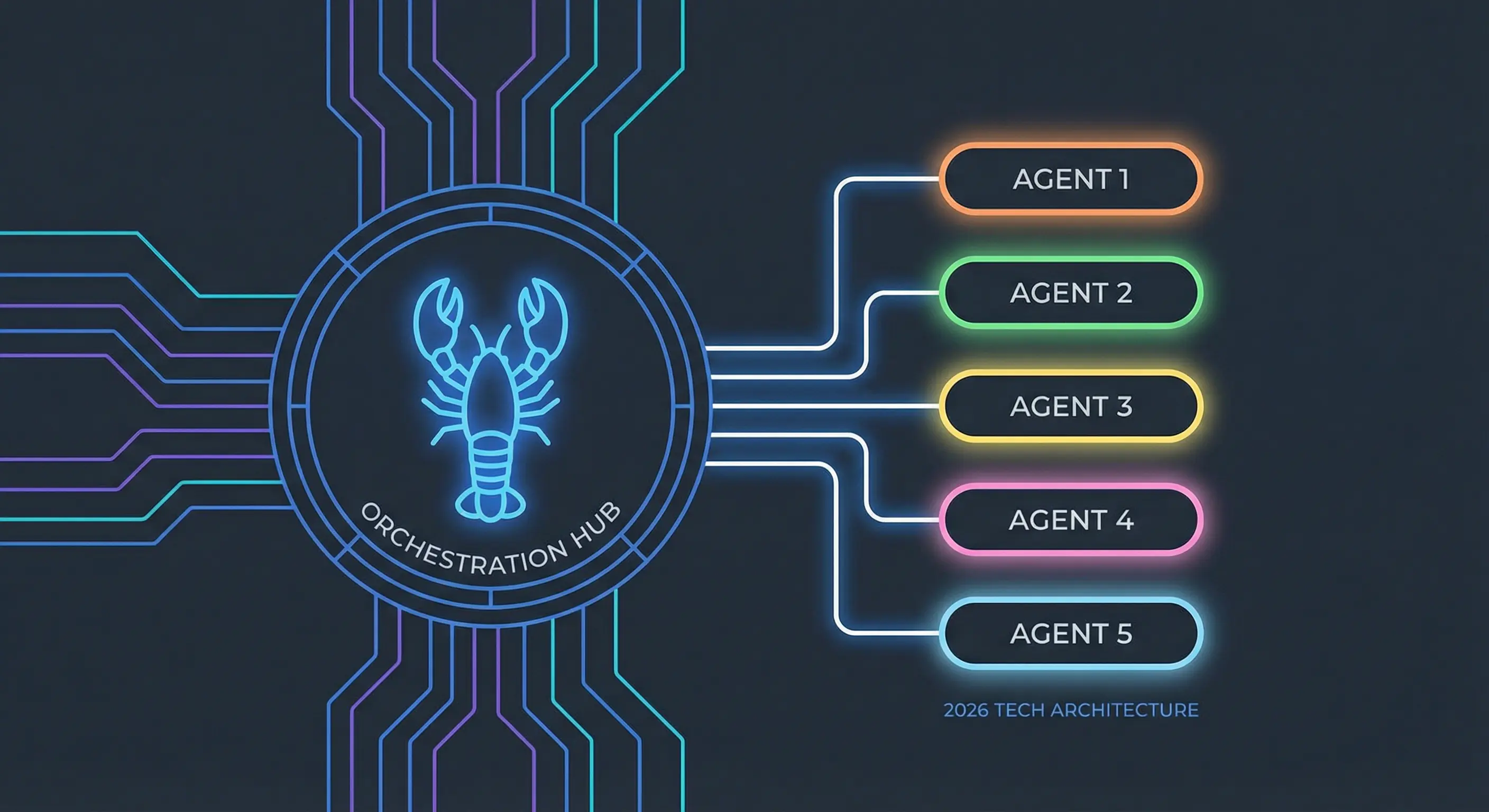
OpenClaw Automated Journaling: Daily Cron Job Setup
OpenClaw was previously known as Clawdbot and Moltbot. This guide applies to all versions.
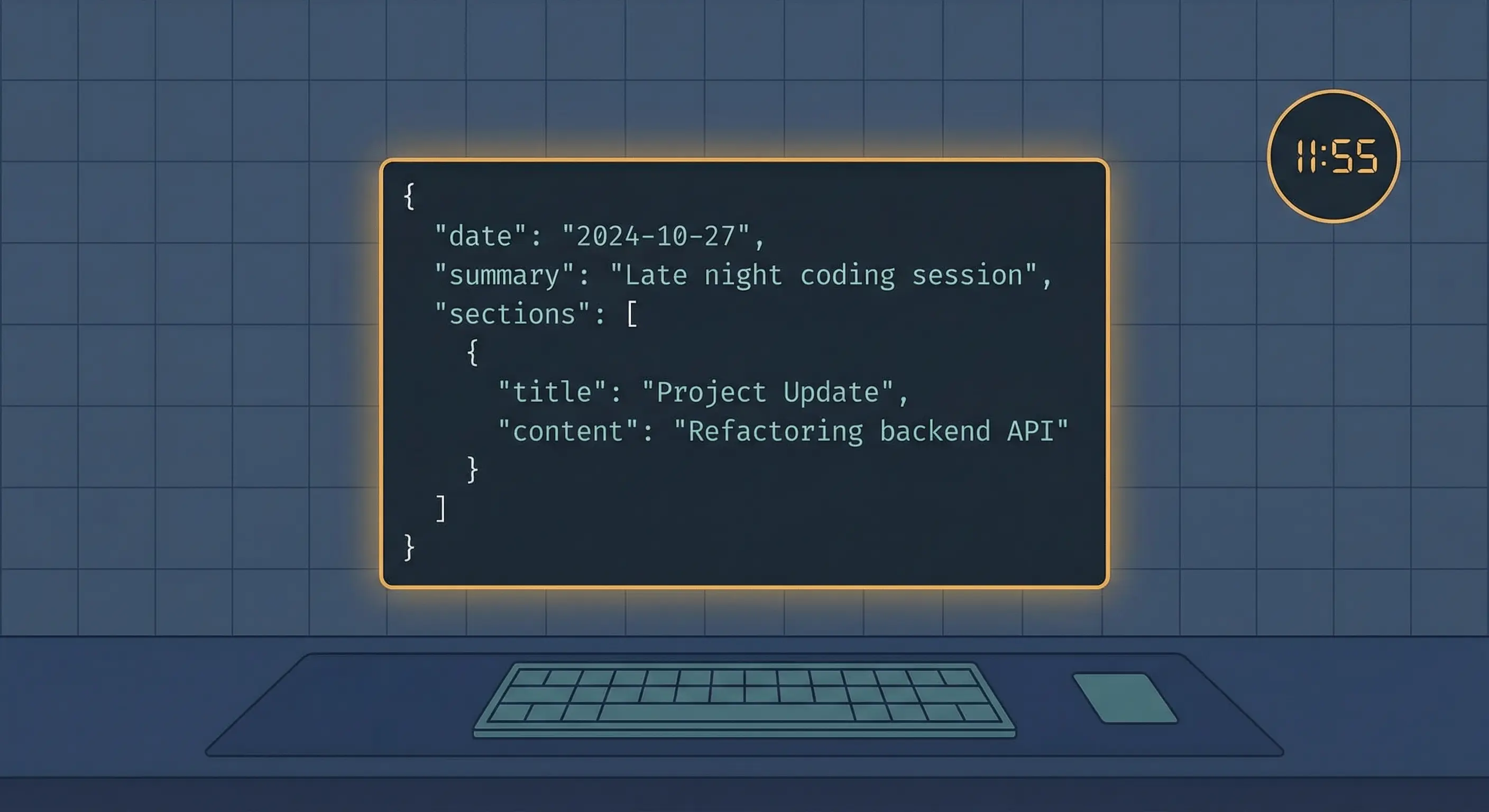
OpenClaw automated journaling cron job pulls git commits, Lantern tasks, and session summaries into a structured daily entry at 11:55 PM Pacific every night.
Key takeaways
- A single OpenClaw cron job at
55 23 * * *generates a structured journal entry every night without any manual trigger - The job pulls from five data sources: daily session summaries in
memory/YYYY-MM-DD.md,git logoutput, Lantern completed tasks, idea radar JSON, and deep dive JSON - Isolated sessions are the right session type here: each run starts clean and has no stale conversation context from earlier in the day
- The journal is written as structured JSON and POSTed to
http://localhost:3001/api/journal, where it becomes queryable via the Lantern API - Verifying a run takes one command:
openclaw cron runs <job-id>
Always review commands your agent suggests before approving them. Don't paste prompts from sources you don't trust.
Fixes when it breaks. Workflows when it doesn't.
OpenClaw guides, configs, and troubleshooting notes. Every two weeks.
What the OpenClaw journaling cron job actually does
The job fires at 11:55 PM Pacific time, opens an isolated session, reads five data sources from disk and the Lantern API, and POSTs a structured JSON document to the journal endpoint. In my experience, the agent produces a usable entry without any manual prompt, and the output is machine-readable from the moment it lands.
The schedule runs inside an isolated session, which means the agent starts fresh with no prior conversation context. that's intentional: you want a clean synthesis of the day's data, not a continuation of whatever the last conversation was about. Each run gets its own session ID and can't accidentally include content from an unrelated afternoon task.
The output schema covers every dimension that matters for a daily log: a plain-language summary, structured sections with timestamped items, per-source attribution, and aggregate stats. The mood field is set by the agent based on signal density and task completion rate.
How to configure the OpenClaw journaling cron schedule
Set the cron expression to 55 23 * * * with tz: America/Los_Angeles. The 11:55 timing puts the run five minutes before midnight, which avoids the up to 5-minute stagger window OpenClaw applies to top-of-hour expressions. Running at exactly midnight would make timing unpredictable night to night.
here's the full job definition. You can add it through the OpenClaw CLI or the cron tool in a session:
{
  "name": "Daily Journal Entry",
  "schedule": {
    "kind": "cron",
    "expr": "55 23 * * *",
    "tz": "America/Los_Angeles"
  },
  "sessionTarget": "isolated",
  "payload": {
    "kind": "agentTurn",
    "message": "[see next section for the full prompt]",
    "model": "anthropic/claude-sonnet-4-6",
    "timeoutSeconds": 300
  },
  "delivery": {
    "mode": "none"
  }
}
The schedule.kind field accepts three types: cron (5-field expression), at (one-shot ISO timestamp), and every (recurring interval in milliseconds). The sessionTarget: "isolated" means each run starts fresh with no prior context. Jobs persist to ~/.openclaw/cron/jobs.json on disk and survive gateway restarts.
After adding, verify it appears:
openclaw cron listWhat data sources the OpenClaw journal prompt pulls from
The prompt reads from five locations before writing a single word of the journal entry. Each source covers a different dimension of the day.
memory/YYYY-MM-DD.md contains session summaries written by the agent during the day. These capture decisions, context switches, and things that didn't make it into a commit or a task.
git log for the current calendar day returns every commit across the active repo. The prompt runs git log --since "today" --pretty=format:"%h %s" to get a flat list of hashes and messages.
Lantern completed tasks come from a GET request to http://localhost:3001/api/tasks?status=done filtered by today's date. This list covers discrete deliverables that the agent or Chris completed.
Idea radar JSON and deep dive JSON are stored in the workspace directory and capture research threads and new ideas logged during the day. Including them ensures that exploratory thinking shows up in the journal even when it didn't produce a commit.
How to write the OpenClaw journal prompt for structured JSON output
The prompt instructs the agent to read each data source, synthesize a narrative summary, and output a single JSON object matching the journal schema. The POST goes to http://localhost:3001/api/journal.
here's the production prompt structure (simplified for readability):
Read the following data sources for today's journal entry:
1. memory/YYYY-MM-DD.md (today's date in your configured timezone)
2. Run: git log --since "today" --pretty=format:"%h %s"
3. GET http://localhost:3001/api/tasks?status=done (filter for today)
4. idea-radar and deep-dive JSON files in the workspace

Write a journal entry as JSON matching this schema:
{
  "date": "YYYY-MM-DD",
  "generatedAt": "ISO-8601",
  "summary": "2-3 sentence narrative of the day",
  "sections": [
    {
      "title": "string",
      "icon": "emoji",
      "items": [
        {
          "time": "HH:MM",
          "description": "string",
          "source": "git|lantern|session|idea",
          "details": "string",
          "tags": ["string"]
        }
      ]
    }
  ],
  "stats": {
    "commits": 0,
    "sessionsCompleted": 0,
    "tasksCompleted": 0,
    "linesChanged": 0
  },
  "mood": "productive|quiet|mixed|blocked"
}

POST the result to http://localhost:3001/api/journal.
Do not include any text outside the JSON object.
The mood field should reflect the overall signal: high commit count plus completed tasks means "productive"; few signals with no task completions means "quiet".
Where OpenClaw journal entries go and how to verify each run
The agent POSTs the JSON to http://localhost:3001/api/journal. Lantern stores it and makes it queryable. Entries are accessible via the Lantern dashboard and via GET http://localhost:3001/api/journal?date=YYYY-MM-DD.
To check whether the cron job ran:
openclaw cron runs daily-journalThis returns a list of recent executions with timestamps, session IDs, and exit status. A successful run shows status: completed and a non-empty output field.
To manually trigger the job before the scheduled time (useful during setup):
openclaw cron run daily-journalThis fires the job immediately in the same isolated session mode, using the same prompt. If the output looks correct, the scheduled run will behave the same way.
How to fix common OpenClaw journaling cron failures
Silent run with no journal entry posted. The most common cause is a delivery config mismatch: mode: announce requires a valid channel target. Verify the channel name matches your Telegram or Discord plugin config. Check openclaw cron runs daily-journal and look at the raw output field. If the agent returned an error about the POST request, the Lantern API may not be running on port 3001.
Empty or sparse journal entry. This means one or more data sources returned nothing. Test each source manually: run git log --since "today" in your repo, call the Lantern tasks endpoint directly, and check that memory/YYYY-MM-DD.md exists for today. If the session summary file is missing, the agent has no narrative content to draw from and the entry will be thin.
Journal entry missing stats. The linesChanged stat requires git diff --stat output. If the repo has no commits today, this field will be zero. that's expected behavior, not a bug.
Cron job not firing at all. Confirm the gateway is running and that the job appears in openclaw cron list. If the job is listed but never fires, check that the timezone is set correctly. A job with no tz field defaults to UTC, which would put an 11:55 PM Pacific job firing at 6:55 AM UTC the next morning.
Delivery failure to Telegram. According to the OpenClaw cron jobs documentation, delivery failures most often come from a misconfigured channel target. In practice, Telegram bot token expiry or chat ID mismatch are the two most common root causes. A community thread on r/AI_Agents confirms the same patterns. Verify both with openclaw doctor and test delivery separately with a simple one-line cron job before debugging the journal prompt.
Key terms
Cron (OpenClaw schedule type): One of three schedule types in OpenClaw alongside at and every. Uses a 5-field cron expression and supports an optional tz field for timezone-aware scheduling.
Isolated session: A session mode where each cron run starts with a clean context and no prior conversation history. The agent receives the prompt fresh, without any memory of earlier turns in the main session. Session ID is unique per run.
Delivery mode: Controls how the cron job output is sent after the agent completes its turn. announce pushes the result to a configured channel (Telegram, Discord, Slack). webhook sends a POST to a URL. none stores the output without delivery.
jobs.json: The file at ~/.openclaw/cron/jobs.json where all cron job definitions persist. Editable directly or managed through the openclaw cron CLI commands. Survives gateway restarts.
FAQ
Does the OpenClaw journaling cron job work without Lantern installed?
The OpenClaw journaling cron job runs without Lantern, but you lose two data sources: the completed tasks list and the journal storage endpoint. Without Lantern, the prompt can still pull from memory/YYYY-MM-DD.md and git log, but the POST step will fail unless you replace http://localhost:3001/api/journal with a different endpoint or a file write command. The stats section will also be missing task counts. If you're running OpenClaw without Lantern, writing the journal entry to a Markdown file via the exec tool is a simpler alternative.
Can the OpenClaw automated journal cron job run on a local machine instead of a VPS?
Yes. The cron job runs wherever the OpenClaw gateway is running. On a local machine, it fires at 11:55 PM local time as long as the machine is awake and the gateway process is active. The main practical difference is reliability: a VPS is always on, while a laptop may be asleep when the job fires. If you want to run this locally, consider setting the schedule slightly earlier so a brief sleep delay doesn't push the run past midnight and cause the today date filters to pull from the wrong day.
How do I read past OpenClaw journal entries stored by Lantern?
Past OpenClaw journal entries are queryable via GET http://localhost:3001/api/journal?date=YYYY-MM-DD. You can also browse them in the Lantern dashboard under the Journal section. If you need to export a range of entries, make a loop of date-parameterized GET requests and write the results to a file. The entries are stored as the full JSON objects originally posted by the cron job, so no information is lost between creation and retrieval.
What happens if the OpenClaw cron job fires during an active git commit or rebase?
The git log command inside the prompt is read-only and won't interfere with an active commit or rebase. Git log reads the object database directly and doesn't acquire any locks that conflict with a rebase in progress. The only risk is that commits completing after the cron job reads the log won't appear in that night's entry. they'll show up in the next day's run. If you regularly commit late at night, shifting the schedule to 50 23 * * * gives a 10-minute buffer before midnight.
Evidence & Methodology
This guide is based on the official OpenClaw cron jobs documentation, which covers schedule types, session modes, delivery config, and the openclaw cron CLI commands. The production cron config shown here's a real running job, not a hypothetical example.
Supporting sources:
-
OpenClaw cron jobs documentation: schedule types (
at,every,cron), isolated session behavior, jobs.json persistence, 5-minute stagger window for top-of-hour expressions -
OpenClaw cron jobs documentation: heartbeat vs cron mental model, exact-timing advantages of cron over heartbeat
-
Reddit r/AI_Agents thread on cron silent failures: community-confirmed Telegram delivery failure patterns and workarounds
-
git log since syntax: standard
--sinceflag behavior for daily commit filtering
Related resources
- OpenClaw Cron Jobs: 8 Automation Templates, Schedules, and Debug Steps
- OpenClaw Persistent Memory Guide: Complete Setup in 5 Steps
- OpenClaw CLI Commands (2026): Operator Defaults, Flags, and Debug Notes
- OpenClaw AGENTS.md: Build Rules Your Agent Won't Forget
Changelog
| Date | Change |
|---|---|
| 2026-03-23 | Initial publication |
Fixes when it breaks. Workflows when it doesn't.
OpenClaw guides, configs, and troubleshooting notes. Every two weeks.