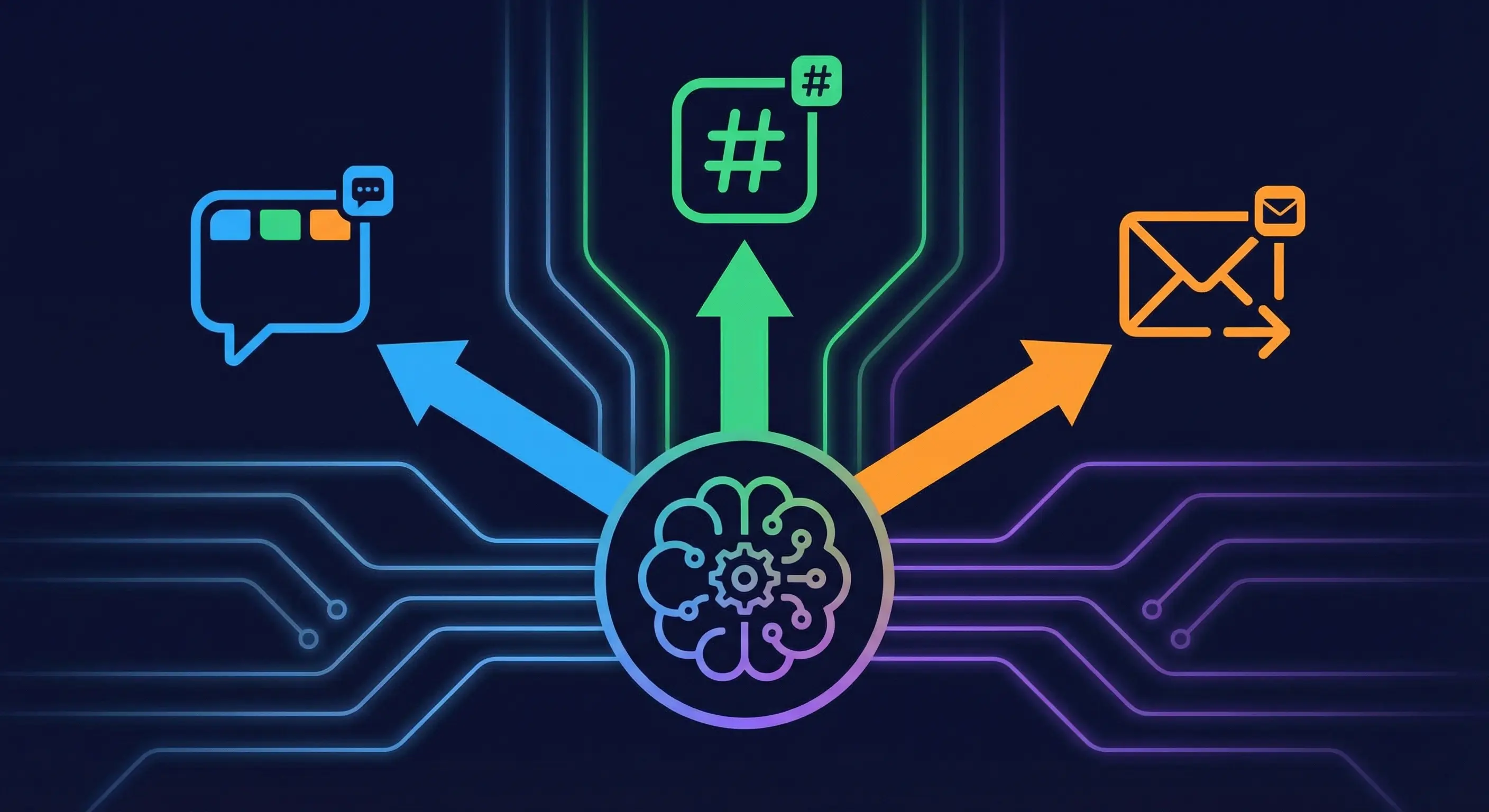
OpenClaw notification routing sends cron output, subagent results, and system alerts to specific Telegram topics, Discord channels, or direct messages.
OpenClaw Voice Mode: Telegram Voice Notes and TTS Setup
OpenClaw voice mode lets you send Telegram voice notes and get spoken replies. Set up Whisper transcription and TTS output for hands-free AI agent control.
OpenClaw DM Policy: How All Four Modes Actually Work
OpenClaw DM policy controls who can DM your bot. This guide covers all four modes, pairing, allowlist, open, and disabled, with config examples per channel.
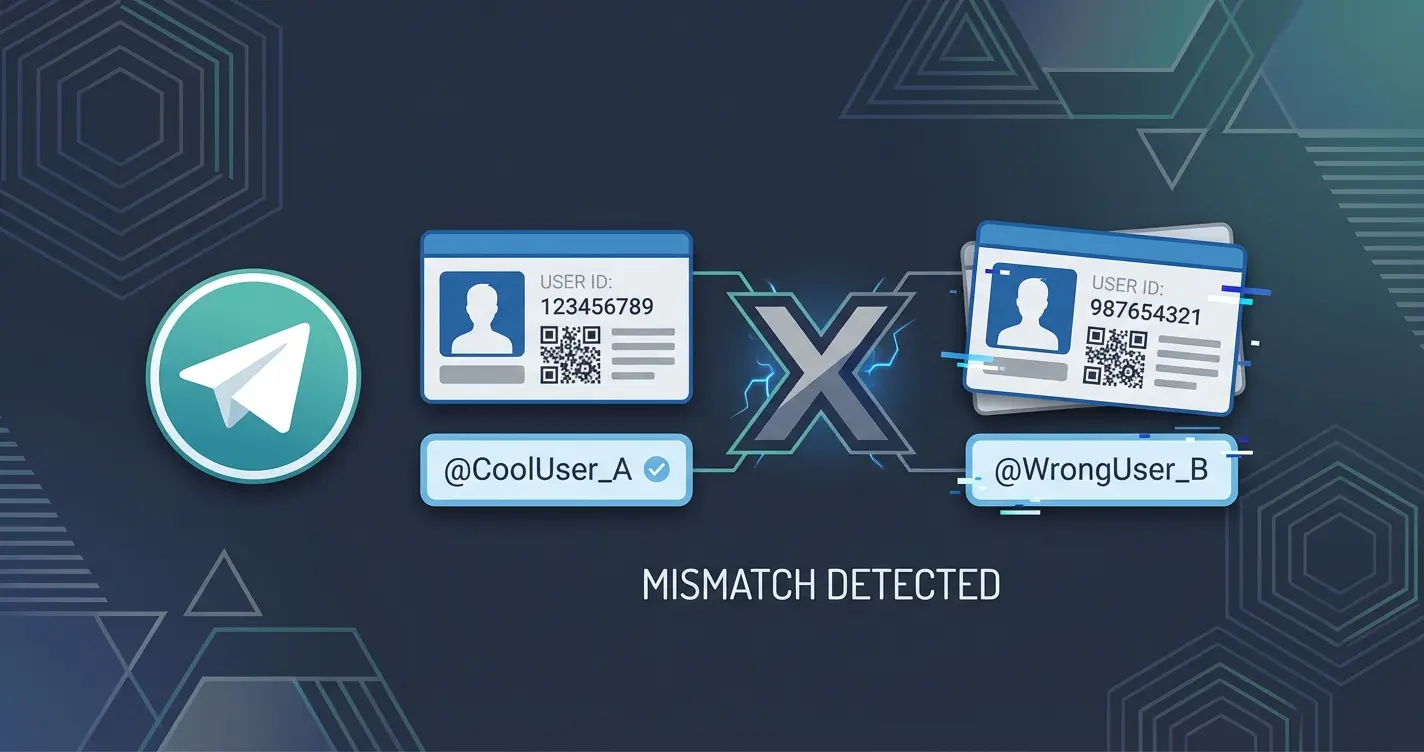
Fix OpenClaw Telegram allowFrom: User ID vs Username
Fix OpenClaw Telegram allowFrom errors by using numeric user IDs instead of usernames. Covers getting your ID, config format, and adding multiple users.
Fix OpenClaw Telegram Bot Not Responding in Groups
Fix an OpenClaw Telegram bot that connects but stays silent. Covers pairing approval, requireMention, privacy mode, drop lines in logs, and the full diagnostic checklist.
Fix OpenClaw Telegram Errors: 401, Silent Bots, and Pairing Failures
Fix OpenClaw Telegram errors fast: 401 unauthorized, allowFrom config, group pairing, silent bots, webhook conflicts, and chat ID problems with actual commands.
OpenClaw Telegram Setup: Token, allowFrom, and First Message in 5 Steps
Connect OpenClaw to Telegram in 5 steps. Create a bot in BotFather, set your token, configure allowFrom with your numeric sender ID, approve pairing, and send your first message.