QLoRA Fine-Tuning on a Consumer GPU: Unsloth Step by Step
OpenClaw was previously known as Clawdbot and Moltbot. This guide applies to all versions.
Fine-tune Llama 3, Mistral, or Qwen on a single GPU with QLoRA and Unsloth. Full walkthrough from dataset prep to merged GGUF on 8-24GB VRAM.
Key takeaways
- QLoRA lets you fine-tune a 7B model on as little as 8GB of VRAM by quantizing the base model to 4-bit while training only small adapter matrices
- Unsloth is the recommended framework: 2x faster than the HuggingFace baseline with 70% less VRAM, with no measurable accuracy loss in published benchmarks
- LoRA trains persistent adapter weights that survive context resets; context accumulation changes behavior at runtime through prompt injection. Choose based on whether the problem survives a prompt
- Dataset quality matters more than size: 500 high-quality examples beats 5,000 noisy ones for most fine-tuning tasks
- OpenClaw-RL already has LoRA training support on its release track. The two approaches are converging
Always review commands your agent suggests before approving them. Don't paste prompts from sources you don't trust.
Fixes when it breaks. Workflows when it doesn't.
OpenClaw guides, configs, and troubleshooting notes. Every two weeks.
What is LoRA fine-tuning and how does QLoRA work?
LoRA (Low-Rank Adaptation) trains two small matrices instead of updating all model weights. QLoRA adds 4-bit quantization of the base model, cutting VRAM by 75% compared to standard LoRA. Together they make fine-tuning a 7B or 13B model practical on hardware you already own.
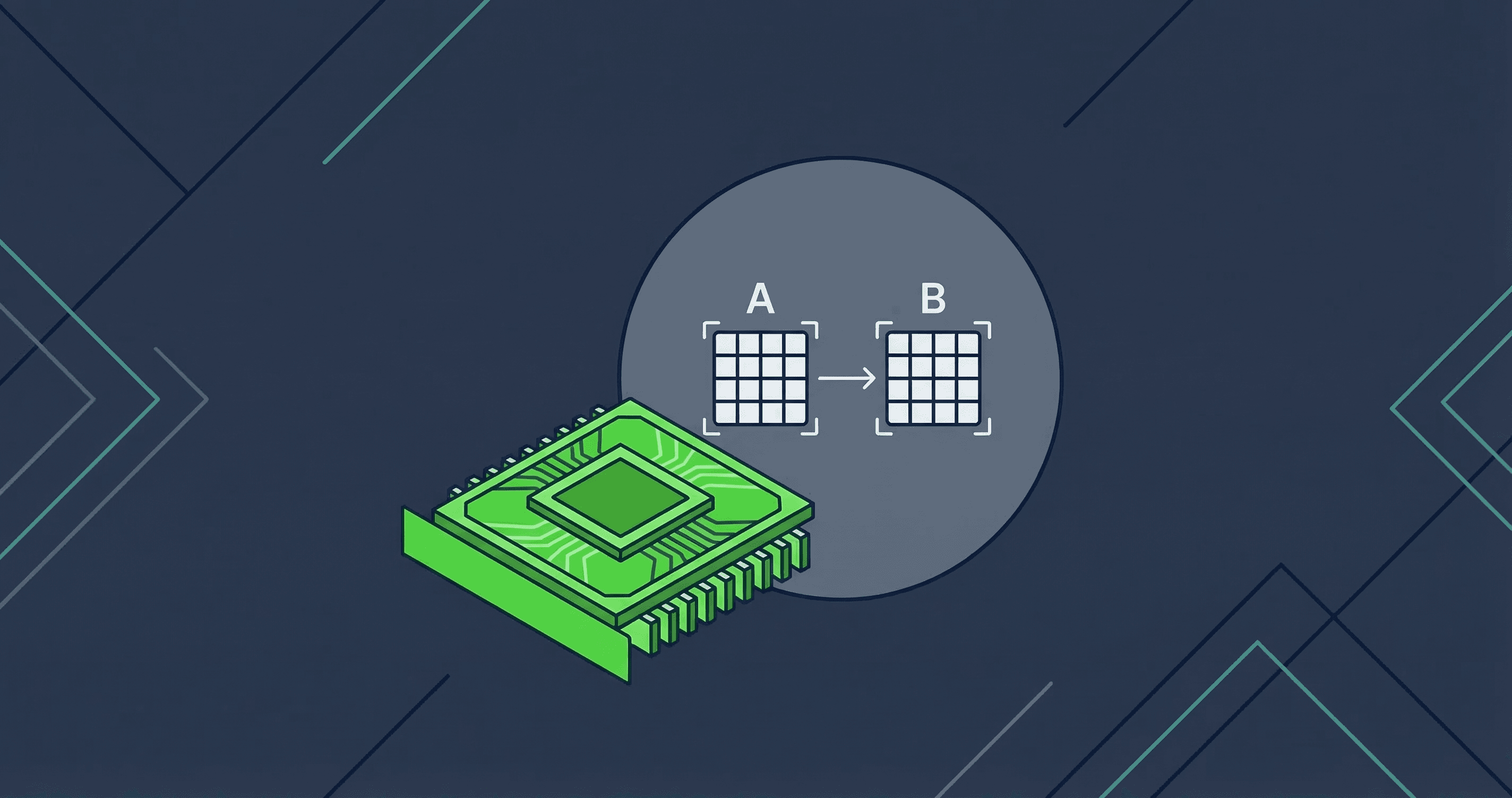
The core mechanic is straightforward. A language model like Llama 3 8B has billions of weight matrices. Full fine-tuning updates every number in those matrices. That's expensive. LoRA instead freezes the original weights and inserts two thin matrices, A and B, into each transformer layer. During training, only A and B update. The weight change is computed as delta_W = A × B, where the inner dimension (the rank, r) is kept small, typically 8 to 64. A rank of 16 means you're training roughly 1% of the parameters a full fine-tune would touch, per Hu et al. (2021).
QLoRA goes further. The QLoRA paper introduces three techniques that together make large models fit on consumer hardware:
- 4-bit NormalFloat (NF4): A quantization format optimized for normally distributed weights. Better than naive 4-bit quantization because language model weights actually are normally distributed.
- Double quantization: Quantizes the quantization constants themselves, saving an additional ~0.37 bits per parameter.
- Paged optimizers: Moves optimizer state to CPU when GPU memory spikes. Prevents OOM crashes during the gradient accumulation steps that would otherwise kill your training run.
The result: a frozen 4-bit base model with LoRA adapters trained in 16-bit floating point. The adapters are small. They can be saved separately, merged back into the base model, or swapped between different specialized versions.
LoRA vs QLoRA: VRAM requirements and hardware trade-offs
Standard 16-bit LoRA uses roughly 4x more VRAM than QLoRA. For most consumer GPUs, QLoRA is the only viable path.
This is what you can realistically run:
| GPU | VRAM | QLoRA fits | 16-bit LoRA fits |
|---|---|---|---|
| RTX 3060 / 4060 | 12GB | 7B | No |
| RTX 3080 | 10GB (12GB variant exists) | 7B (tight on 10GB) | No |
| RTX 3090 / 4090 | 24GB | 13B comfortably | 7B marginal |
| A100 40GB | 40GB | 33B | 13B comfortably |
The 7B estimate comes from RunPod's testing: QLoRA brings a 7B model to around 8-10GB of VRAM, depending on batch size and sequence length. If you're on an RTX 3090 or 4090, you're in the sweet spot. 13B models train without drama. 7B models leave room for larger batches and longer sequences.
Unsloth supports GPUs from GTX 1070 all the way up to H100. If you're running anything from the last several years, you're covered.
One practical note: VRAM numbers quoted for fine-tuning assume the model is the only thing on the GPU. If your system is also running inference or other GPU workloads, budget for it. Training is batch-heavy and will use every MB you give it.
Why Unsloth outperforms standard QLoRA fine-tuning
Unsloth rewrites PyTorch's backpropagation steps into hand-optimized Triton kernels. That's the short version. The result is training that's 2x faster and uses 70% less VRAM than the baseline HuggingFace + PEFT setup, with no measurable accuracy degradation across 59 benchmark runs. No approximations are made in the optimized code.
The HuggingFace benchmark covered 59 runs across T4 and A100 instances with four datasets. Some specific numbers:
| Model | Dataset | vs HF baseline | VRAM reduction |
|---|---|---|---|
| Mistral 7b | Slim Orca | 1.88x faster | -65.9% |
| Llama-2 7b | Slim Orca | 1.87x faster | -39.3% |
| Tiny Llama 1.1b | Alpaca | 2.74x faster | -57.8% |
Why does this matter in practice? It means a fine-tune that would OOM on an RTX 3090 with standard PEFT will run without issue using Unsloth. A training run that takes 4 hours finishes in 2. On free Colab tiers, models that couldn't fit before now do.
Unsloth supports Llama 3.x, Qwen, Gemma, Mistral, DeepSeek, and most other popular open architectures. If a model is on HuggingFace and has a chat template, there's a good chance Unsloth handles it.
How to prepare a dataset for LoRA fine-tuning
Your dataset needs to be in conversation format, cleaned, and representative of the actual behavior you want. Format consistency matters more than raw example count.
Two formats work well with Unsloth:
Alpaca format: good for simple instruction/response tasks:
{
  "instruction": "Summarize the following support ticket in one sentence.",
  "input": "User is unable to log in after password reset. Token appears expired.",
  "output": "User cannot log in after password reset due to an expired token."
}
ChatML format: better for multi-turn chat models:
{
  "conversations": [
    {"role": "system", "content": "You are a terse technical support agent."},
    {"role": "user", "content": "My token expired after reset."},
    {"role": "assistant", "content": "Expired token after reset usually means the reset link was used more than once or the session cache wasn't cleared. Try clearing cookies and requesting a new reset."}
  ]
}
Dataset size guidelines from Unsloth's fine-tuning guide:
- Style and format changes: 200-500 high-quality examples
- Domain adaptation (vocabulary, phrasing): 1,000-3,000 examples
- Knowledge injection: 5,000+ examples with consistent, accurate data
Load your dataset into the HuggingFace datasets format:
from datasets import load_dataset

dataset = load_dataset("json", data_files="your_data.jsonl", split="train")
Clean before you train. Duplicates confuse the training run. Inconsistent formatting will teach the model inconsistency. Spend time on the dataset. It's where most of the quality comes from.
How to run QLoRA fine-tuning with Unsloth step by step
Install Unsloth, load your model, attach LoRA adapters, train. The full sequence follows.
Step 1: Install Unsloth
pip install unslothFor older GPUs or specific CUDA versions, check Unsloth's installation docs for the correct pip command with CUDA version pinning.
Step 2: Load the model
from unsloth import FastLanguageModel
import torch

model, tokenizer = FastLanguageModel.from_pretrained(
    model_name="unsloth/llama-3-8b-bnb-4bit",
    max_seq_length=2048,
    dtype=None,
    load_in_4bit=True,
)
Setting load_in_4bit=True activates QLoRA. max_seq_length controls how long your training examples can be.
Step 3: Apply LoRA adapters
model = FastLanguageModel.get_peft_model(
    model,
    r=16,
    target_modules=["q_proj", "k_proj", "v_proj", "o_proj",
                    "gate_proj", "up_proj", "down_proj"],
    lora_alpha=32,
    lora_dropout=0,
    bias="none",
    use_gradient_checkpointing="unsloth",
    random_state=42,
)
Key parameters per Unsloth's hyperparameters guide:
r=16: Rank of the adapter matrices. Higher rank = more capacity but more VRAM. 16 is a solid default.lora_alpha=32: Scaling factor. Typically 2x the rank value.target_modules: Which transformer weight matrices to adapt. The list above covers the attention projections (q, k, v, o) and MLP layers (gate, up, down). Targeting all linear layers gives the best results.use_gradient_checkpointing="unsloth": The string value"unsloth"activates Unsloth's optimized gradient checkpointing implementation, which uses less VRAM than PyTorch's built-inTrueoption.
Step 4: Format dataset and configure training
Your dataset fields (instruction/input/output or conversations) need to be converted into a single text field for SFTTrainer. Define a formatting function that applies the model's prompt template:
def formatting_prompts_func(examples):
    texts = []
    for instruction, input_text, output in zip(
        examples["instruction"], examples["input"], examples["output"]
    ):
        prompt = f"### Instruction:\n{instruction}"
        if input_text:
            prompt += f"\n### Input:\n{input_text}"
        prompt += f"\n### Response:\n{output}"
        texts.append(prompt)
    return {"text": texts}

dataset = dataset.map(formatting_prompts_func, batched=True)
If your dataset uses ChatML (conversations format), use tokenizer.apply_chat_template() instead to format each conversation into a single string.
Now configure the trainer. SFTTrainer is part of the HuggingFace TRL library and handles the training loop. PEFT (Parameter-Efficient Fine-Tuning) is the underlying library that manages LoRA adapter injection. Unsloth wraps both.
from trl import SFTTrainer
from transformers import TrainingArguments

trainer = SFTTrainer(
    model=model,
    tokenizer=tokenizer,
    train_dataset=dataset,
    dataset_text_field="text",
    max_seq_length=2048,
    args=TrainingArguments(
        per_device_train_batch_size=2,
        gradient_accumulation_steps=4,
        warmup_steps=5,
        num_train_epochs=1,
        learning_rate=2e-4,
        fp16=not torch.cuda.is_bf16_supported(),
        bf16=torch.cuda.is_bf16_supported(),
        logging_steps=1,
        optim="adamw_8bit",
        output_dir="outputs",
    ),
)
Unsloth recommends 2e-4 as a learning rate starting point for standard QLoRA fine-tuning. Start with 1 epoch. Add more only if the loss hasn't converged.
Step 5: Train
trainer.train()Watch the training loss. It should decrease steadily for the first several hundred steps. If it spikes or plateaus early, reduce the learning rate and try again.
Step 6: Save your adapter
model.save_pretrained("lora_model")
tokenizer.save_pretrained("lora_model")
This saves only the adapter weights, a few hundred MB at most, not the full model.
Step 7: Test before merging
Run a quick inference check to verify the adapter is working before you commit to a merge:
FastLanguageModel.for_inference(model)
inputs = tokenizer(
    "### Instruction:\nSummarize the following support ticket.\n### Input:\nUser cannot access dashboard after MFA reset.\n### Response:\n",
    return_tensors="pt",
).to("cuda")

outputs = model.generate(**inputs, max_new_tokens=128)
print(tokenizer.decode(outputs[0], skip_special_tokens=True))
If the output follows the format and tone from your training data, the fine-tune is working. If it produces generic or off-format responses, check your dataset quality and training loss curve before retraining.
How to merge LoRA adapters into a base model
After training, you can keep the adapter separate or merge it into the base model. Merging gives you a single file for deployment; keeping it separate lets you swap adapters.
To merge and save at 16-bit precision:
model.save_pretrained_merged("merged_model", tokenizer, save_method="merged_16bit")To save as GGUF for use with Ollama or llama.cpp:
model.save_pretrained_gguf("gguf_model", tokenizer, quantization_method="q4_k_m")Merging is a one-way operation on the copy in memory. Keep backups of your unmerged adapter and the original base model if you might need to adjust and retrain. The merged model behaves identically to a fine-tuned model for inference. You can load it exactly like any other model.
What LoRA fine-tuning can and cannot fix
LoRA reliably changes how a model behaves; it doesn't reliably change what a model knows.
What LoRA does well:
- Output format consistency. If your model keeps ignoring your "always respond as JSON" instruction, fine-tuning on JSON examples will make it stick. This is the most reliable LoRA use case.
- Tone and persona. A model fine-tuned on terse, direct responses will stay terse under pressure in a way a prompted model won't.
- Domain vocabulary. A legal or medical assistant that needs to use specific terminology correctly benefits from fine-tuning on domain examples.
- Instruction-following patterns. Custom function call formats, specific response templates, multi-step reasoning chains that always follow a structure.
What LoRA struggles with:
- New factual knowledge. Unsloth's guide notes that fine-tuning can inject knowledge, but you need high-quality, high-volume examples of that knowledge. A handful of examples will produce confident-sounding hallucinations, not correct answers.
- Fixing fundamental reasoning gaps in the base model. LoRA adapts behavior; it doesn't rebuild the model's reasoning circuits.
- Knowledge past the base model's training cutoff. You can train on new information, but the model may still confabulate context around it.
The practical rule: if you can describe the target behavior as a format, style, or pattern, LoRA can probably fix it. If you need the model to know something it doesn't know, you're in RAG or retrieval territory, not fine-tuning territory.
LoRA vs context accumulation vs full RL: choosing the right tool
Before spending GPU hours on fine-tuning, check whether context accumulation already covers the problem. Context accumulation is OpenClaw's approach to agent customization through workspace files: rules in AGENTS.md, preferences in MEMORY.md, and capabilities in skills. These files load into the system prompt every session, shaping behavior without touching model weights. OpenClaw's persistent memory system handles most agent customization at zero training cost.
The decision breaks down like this:
| Problem | Best tool | Why |
|---|---|---|
| Agent needs your preferences and context | Context accumulation | Free, instant, no training |
| Agent needs to follow rules within a conversation | Context accumulation | AGENTS.md handles this |
| Agent ignores format rules after context resets | LoRA | Weight-level change survives resets |
| Agent needs a persistent domain tone | LoRA | Permanent behavioral modification |
| Agent should improve from feedback over time | OpenClaw-RL | Continuous learning loop |
| Agent needs to learn new factual knowledge | RAG + context, or fine-tuning at scale | Depends on volume and accuracy needs |
Context accumulation is the first tool you reach for. It's documented in OpenClaw's learning-without-RL guide. LoRA is the step you take when context-level changes aren't sticking or aren't enough.
The full picture is covered in OpenClaw-RL Explained: the short version is that OpenClaw-RL provides continuous learning from feedback. LoRA is a one-shot intervention; RL is an ongoing training loop. They're not competing options. Many setups will eventually use both: LoRA for initial behavior shaping, RL for ongoing refinement.
There's a practical convergence point coming: OpenClaw-RL's roadmap already lists LoRA training support as completed in Track 1. The gap between "run a LoRA fine-tune" and "run the RL loop" is closing.
Common LoRA fine-tuning pitfalls
The most common failures are predictable and mostly avoidable.
Overfitting on a small dataset. If your training loss drops to near zero and your model starts producing near-exact copies of training examples, you've overfit. The fix is fewer epochs, a validation split, and more diverse training data. Unsloth recommends no more than 3 epochs for most instruction datasets. One epoch is often enough.
Learning rate too high. If the training loss spikes or oscillates wildly, reduce the learning rate. Start at 2e-4 and step down to 5e-5 if needed. A diverged training run can't be recovered. You'll restart from scratch.
Evaluating on training data. This gives you a false sense of quality. Hold out 10-20% of your dataset before training starts and evaluate on the held-out set. A model that scores perfectly on training examples but fails on held-out ones has memorized, not learned.
Catastrophic forgetting. Research confirms that LoRA adapters still suffer from catastrophic forgetting, even though the effect is smaller than full fine-tuning. If you train too aggressively on a narrow dataset, the model loses general capabilities. Mix in some general instruction-following examples alongside your domain-specific data.
Wrong rank for the task. Rank 16 is a sensible default. If the model isn't learning (loss barely moves), try increasing rank to 32 or 64. If training is slow and VRAM-heavy with minimal quality gain, reduce to 8. Most tasks fall in the 8-32 range.
Noisy or inconsistent dataset. Inconsistent formatting teaches the model inconsistency. If half your examples use markdown and half use plain text, the model will too. Clean your data before training. Run a format check and deduplicate.
Key terms
LoRA (Low-Rank Adaptation) is a fine-tuning method, proposed by Hu et al. (2021), that trains two small adapter matrices instead of updating all model weights. Only about 1% of parameters need training.
QLoRA (Quantized LoRA) combines LoRA with 4-bit quantization of the base model. Per the QLoRA paper, it reduces VRAM by 75% vs standard LoRA while preserving most fine-tuning quality.
NF4 (4-bit NormalFloat) is a quantization data type introduced in the QLoRA paper, optimized for normally distributed weights in language models.
Adapter weights are the small matrices (A and B) trained by LoRA. They can be saved separately from the base model and merged later.
Rank (r) is the inner dimension of LoRA adapter matrices. Higher rank means more trainable parameters and more capacity for complex adaptations.
lora_alpha is a scaling factor for LoRA updates. Typically set to 2x the rank value.
Paged optimizers move optimizer state to CPU memory during spikes. They prevent out-of-memory errors on consumer GPUs during training.
SFTTrainer is the Supervised Fine-Tuning Trainer from the HuggingFace TRL library. Unsloth integrates with it directly.
Catastrophic forgetting is the tendency for a fine-tuned model to lose general capabilities as it specializes on training data.
GGUF is a model file format used by llama.cpp and Ollama for efficient local inference after fine-tuning.
FAQ
What is the minimum GPU VRAM for QLoRA fine-tuning a 7B model?
QLoRA fine-tuning a 7B model with Unsloth requires approximately 8-10GB of VRAM, according to RunPod's testing. An RTX 3060 12GB can run it. An RTX 3080 10GB is tight: batch size 1 and gradient accumulation are needed. For comfortable training, an RTX 3090 or 4090 with 24GB is the recommended consumer hardware.
Does LoRA fine-tuning affect the base model's weights permanently?
Not unless you merge. LoRA adapters are trained and saved separately from the base model. The base model weights stay frozen during training. When you run model.save_pretrained_merged(), the adapter weights are added to the base weights and the result is saved as a new model file. Keep the original base model and adapter files if you want to retrain or swap adapters later.
How is QLoRA different from standard LoRA fine-tuning?
Standard LoRA keeps the base model at 16-bit precision during training. QLoRA quantizes the base model to 4-bit (using NF4) before training starts, then backpropagates gradients through the frozen 4-bit weights into 16-bit LoRA adapters. Per the QLoRA paper, this reduces VRAM by roughly 75% compared to standard LoRA. The trade-off is slightly slower training and marginally lower accuracy, usually not detectable in practice.
How many examples do I need in my dataset for LoRA fine-tuning?
For style, tone, or format changes: 200-500 high-quality examples is typically enough. For domain adaptation, teaching the model specific vocabulary, phrasing, or structured output patterns, aim for 1,000-3,000 examples. Knowledge injection needs 5,000 or more consistent, accurate examples. Unsloth recommends prioritizing quality over quantity. A clean dataset of 300 examples will outperform a noisy one of 3,000.
Can LoRA fine-tuning teach my model new factual knowledge?
It can, but it's not the most reliable tool for this. The Unsloth fine-tuning guide notes that fine-tuning can inject and learn new knowledge. In practice, you need high-quality, consistent examples of that knowledge at meaningful volume. With too few examples, the model will produce confident but incorrect outputs, hallucinating context around the new facts. For factual knowledge retrieval, RAG (retrieval-based generation with a knowledge store) is typically more reliable than weight-based injection.
Evidence & Methodology
This article draws on four primary sources: the original LoRA paper (Hu et al., 2021), the QLoRA paper (Dettmers et al., 2023), the Unsloth GitHub repository and official documentation, and the HuggingFace blog post on Unsloth which covers independently reproducible benchmarks across 59 training runs.
Hardware VRAM estimates for specific model sizes are drawn from RunPod's fine-tuning guide. These are practical approximations, not paper-sourced figures, and actual usage varies by batch size, sequence length, and gradient accumulation settings.
The catastrophic forgetting claim is sourced from arxiv.org/pdf/2401.05605, which studies catastrophic forgetting in LoRA fine-tuning with controlled experiments.
The OpenClaw-RL LoRA roadmap claim is sourced directly from the Gen-Verse/OpenClaw-RL GitHub repository. OpenClaw was previously known as Clawdbot (November 2025) and Moltbot (January 2026) before settling on its current name.
Related Resources
- OpenClaw Persistent Memory Guide: The starting point before fine-tuning. Context accumulation covers most cases.
- OpenClaw Learning Without RL: The full no-training approach to agent customization.
- OpenClaw-RL Explained: The step after LoRA, continuous learning from feedback.
Changelog
- 2026-03-13: Initial publication
Fixes when it breaks. Workflows when it doesn't.
OpenClaw guides, configs, and troubleshooting notes. Every two weeks.