OpenClaw Notification Routing: Send Alerts Anywhere
OpenClaw was previously known as Clawdbot and Moltbot. This guide applies to all versions.
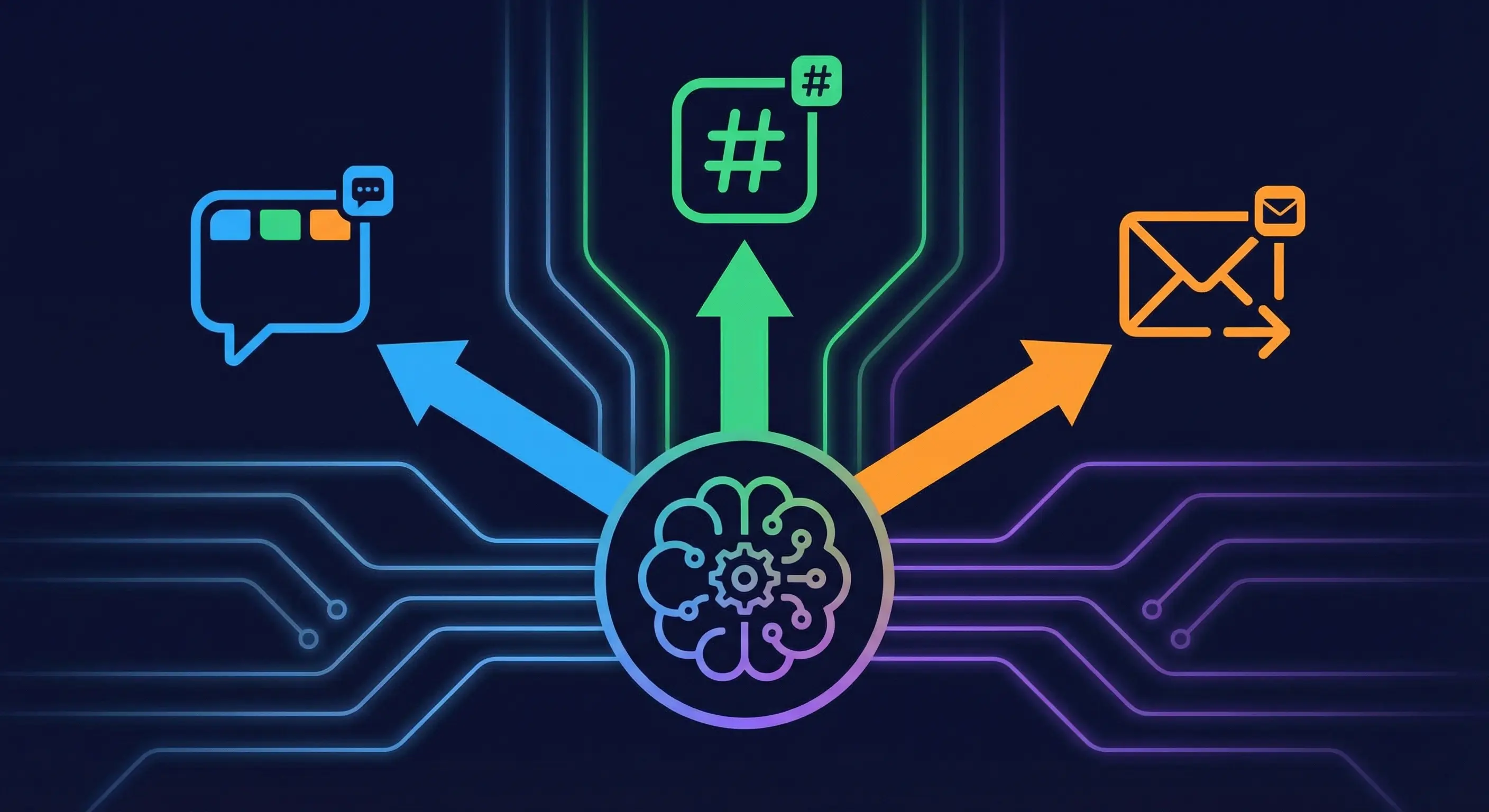
OpenClaw notification routing sends cron output, subagent results, and system alerts to specific Telegram topics, Discord channels, or direct messages.
Key takeaways
- Three fields control where cron output lands:
delivery.mode,delivery.channel, anddelivery.to - Telegram forum topics use the format
-1001234567890:topic:42as thedelivery.tovalue - Set
delivery.modetoannounceto push results directly to a chat; usenonefor silent background jobs - Each cron job carries its own delivery config, so many jobs can each route to a different place
openclaw doctor --fixmigrates legacydeliver/channel/totop-level fields to the currentdelivery.*namespace
Always review commands your agent suggests before approving them. Don't paste prompts from sources you don't trust.
Fixes when it breaks. Workflows when it doesn't.
OpenClaw guides, configs, and troubleshooting notes. Every two weeks.
How OpenClaw decides where to send cron output
By default, isolated cron jobs use delivery.mode = "announce" and send their summary back to whatever channel triggered the most recent conversation in your main session. That means if you chat in Telegram and then a cron job fires, the result lands in your Telegram DM.
This works fine for one or two jobs. It breaks down when you have a blog pipeline job, a stock alert, and a health check all landing in the same thread at random times. The output is technically delivered, but it is not organized.
OpenClaw's delivery system is designed to solve this. Each job carries its own delivery config. The gateway routes output directly through the channel adapter without involving the main agent. Routing is deterministic: once you set delivery.to, that job goes there every time.
The key constraint: delivery routing only applies to isolated jobs (sessionTarget: "isolated" or a custom session). Main session jobs route through heartbeat and do not support delivery.channel/delivery.to targeting.
What delivery.mode, delivery.channel, and delivery.to do
These three fields are the complete routing config for an isolated cron job.
delivery.mode sets what happens when the job finishes:
announce(default for isolated jobs): delivers the job's output directly to the target channel. Also posts a short summary to your main session.none: no delivery, no main-session summary. Use this for jobs that send their own messages via the message tool, or for purely internal tasks.webhook: POSTs the finished event payload to the URL indelivery.to. Useful for piping into external systems.
delivery.channel names the channel plugin to use. Valid values: telegram, discord, slack, signal, whatsapp, and any other configured channel. Use last to route back to wherever your most recent conversation was.
delivery.to is the target within that channel. The format depends on the channel:
| Target type | Format |
|---|---|
| Telegram DM | user:123456789 |
| Telegram group | channel:-1001234567890 |
| Telegram forum topic | -1001234567890:topic:42 |
| Discord channel | channel:123456789012345678 |
| Webhook URL | https://example.com/hook |
One optional fourth field: delivery.bestEffort. Set it to true if you want the job to succeed even when the delivery target is unavailable or misconfigured. Without it, a bad delivery.to value will fail the entire job.
How to route a cron job to a specific Telegram topic
Telegram supergroups with forum mode enabled expose each topic as a separate thread ID. OpenClaw tracks these as <group-id>:topic:<topic-id>. You can find the topic ID by sending a message in the topic and checking the URL in Telegram Web, or by asking the agent to report the current topic metadata.
To add a new cron job routed to a specific topic:
openclaw cron add \
  --name "Daily blog pipeline" \
  --cron "0 14 * * *" \
  --tz "America/Los_Angeles" \
  --session isolated \
  --message "Run the blog pipeline research phase for today's topic." \
  --announce \
  --channel telegram \
  --to "-1001234567890:topic:55"
The --announce flag sets delivery.mode = "announce". The --channel telegram and --to "-1001234567890:topic:55" set where the output lands.
For an existing job, use openclaw cron edit:
openclaw cron edit <job-id> \
  --channel telegram \
  --to "-1001234567890:topic:55"
Or edit ~/.openclaw/cron/jobs.json directly when the gateway is stopped. The relevant fields in the JSON:
{
  "id": "job_abc123",
  "name": "Daily blog pipeline",
  "delivery": {
    "mode": "announce",
    "channel": "telegram",
    "to": "-1001234567890:topic:55"
  }
}
One thing to check: the bot must be a member of the group and have permission to post in the target topic. If the topic has restricted posting, add the bot as an admin with can_manage_topics rights or adjust topic permissions in Telegram group settings.
How to route cron output to a Discord channel or DM
Discord routing uses the same three fields. The delivery.to value for a Discord channel is channel:<channel-snowflake-id>. Get the channel ID by enabling Developer Mode and right-clicking the channel.
openclaw cron add \
  --name "Stock alert" \
  --cron "0 9 * * 1-5" \
  --tz "America/New_York" \
  --session isolated \
  --message "Check watchlist for pre-market movers and post a brief summary." \
  --announce \
  --channel discord \
  --to "channel:987654321098765432"
For a Discord DM, use user:<discord-user-id>. Note that Discord restricts DMs from bots unless the user has previously interacted with the bot or the bot has the Message Content intent enabled.
If the job should fail silently when Discord is temporarily unavailable, add --best-effort:
openclaw cron edit <job-id> --best-effortThis sets delivery.bestEffort: true in the job's stored config.
How to configure delivery for multiple cron jobs at once
Each job holds its own delivery config. There is no global "all jobs go here" setting. That is intentional: the point of the system is per-job control.
For a production setup with many jobs, the fastest path is editing ~/.openclaw/cron/jobs.json directly while the gateway is stopped. Add a delivery block to each job:
{
  "jobs": [
    {
      "id": "job_blog",
      "name": "Blog pipeline",
      "delivery": {
        "mode": "announce",
        "channel": "telegram",
        "to": "-1001234567890:topic:55"
      }
    },
    {
      "id": "job_stocks",
      "name": "Stock alerts",
      "delivery": {
        "mode": "announce",
        "channel": "telegram",
        "to": "-1001234567890:topic:77"
      }
    },
    {
      "id": "job_health",
      "name": "Health check",
      "delivery": {
        "mode": "announce",
        "channel": "telegram",
        "to": "-1001234567890:topic:12"
      }
    }
  ]
}
After editing, restart the gateway. Run openclaw cron list to confirm the jobs show the updated delivery config.
If your jobs were created before the delivery.* namespace was introduced, run openclaw doctor --fix. It migrates the old top-level deliver, channel, to, and provider fields into the current structure automatically.
When to use announce vs none delivery mode
Use announce when you want the job's output pushed to a chat automatically. This is the right mode for:
- Daily summaries and reports
- Alert jobs (stocks, uptime, pipeline status)
- Any job where you want to see the output without going looking for it
Use none when the job handles its own output. If your job prompt ends with something like "use the message tool to send a summary to the ops channel," the job is self-delivering. Setting delivery.mode = "none" prevents duplicate output and keeps the main session clean.
The announce mode has a duplicate prevention rule built in: if the isolated run already sent a message to the same target via the message tool, the announce delivery step is skipped. So if you use the message tool in your job prompt AND keep delivery.mode = "announce", you will not get two copies of the same message.
One edge case: announce still posts a brief summary to your main session even when it delivers to a specific channel. If you want zero main-session noise from background jobs, use none and have the job send its output explicitly with the message tool.
How subagent results route to specific channels
Subagents do not use the cron delivery system directly. When a cron job spawns a subagent, the subagent inherits the session context of the parent job. Results bubble back to the parent job's session, and the parent job's delivery config controls where the final output lands.
If you want finer control, you can instruct the subagent in its prompt to use the message tool with an explicit target:
When you finish, use the message tool (action=send, channel=telegram, target="-1001234567890:topic:55") to post your summary.
This gives you per-subagent routing within a single parent job. Combine it with delivery.mode = "none" on the parent job to avoid duplicate delivery.
For top-level subagents spawned outside of cron (for example, from a Telegram message), the result routes back to the channel where the original message came from. OpenClaw's routing is deterministic: inbound channel gets the reply. There is no config to override this for ad-hoc subagents.
How to debug a cron job that is not delivering
Start with the run history:
openclaw cron runs --id <job-id>This shows the last N run records including status, session key, and any delivery errors.
Common failure patterns:
Job runs but nothing appears in the target channel. Check delivery.to format. Telegram topic format is -1001234567890:topic:42 not topic:42 or just the group ID. Discord channel format is channel:987654321 not the bare snowflake. Run openclaw cron list --json to inspect the stored delivery config.
Job shows "delivery failed" in run history. The target was unreachable or malformed. Check that the bot is a member of the target group/channel. For Telegram topics, confirm the bot can post in that specific topic (some topics have restricted posting enabled).
Output lands in DM instead of the configured target. The job may be using legacy field names. Run openclaw doctor --fix to migrate deliver/channel/to top-level fields to delivery.*.
Job runs on the wrong schedule or does not run at all. Check wakeMode. If set to next-heartbeat, the job waits for the next heartbeat cycle rather than running immediately. Set wakeMode: "now" for jobs that should fire at the scheduled time without waiting for a heartbeat.
Cron job announces a summary-only message instead of full output. This was a known bug in earlier OpenClaw releases. Upgrade to the latest version. The announce delivery system should deliver the full isolated run output, not a model-generated summary.
Key terms
delivery.mode: Controls what happens to cron job output. announce pushes output to a channel; none suppresses delivery entirely; webhook POSTs to a URL. Isolated jobs default to announce when this field is omitted.
delivery.to: The specific destination within the target channel. Format is channel-dependent: Telegram topics use <group-id>:topic:<thread-id>, Discord channels use channel:<snowflake>, DMs use user:<id>.
delivery.channel: The channel plugin to use for outbound delivery. Maps to configured channel names: telegram, discord, slack, etc.
Isolated session: A cron job execution mode (sessionTarget: "isolated") that runs a fresh agent turn with no carry-over from the main conversation. Required for delivery routing to work.
Forum topic: A Telegram supergroup feature that organizes messages into separate threads. Each topic has a numeric thread ID that you reference in delivery.to using the <group-id>:topic:<id> format.
delivery.bestEffort: When true, delivery failures do not mark the job as failed. Useful for non-critical alert jobs where output loss is acceptable.
FAQ
Can I route OpenClaw cron jobs to different Telegram topics for different job types?
Yes. Each cron job has its own delivery.channel and delivery.to config. Set a different -1001234567890:topic:<id> value per job and OpenClaw will route each job's output to the correct topic. There is no cross-job interference. A production setup with many jobs routing to different topics works exactly this way, with blog pipeline jobs, stock alerts, and health checks each landing in their own organized topic.
Does OpenClaw notification routing work with Discord threads and channels?
Yes. Use delivery.channel: "discord" and delivery.to: "channel:<channel-id>" for a specific Discord channel. For Discord threads, append :thread:<thread-id> to the channel reference. Get the channel ID from Discord's Developer Mode (right-click the channel and select Copy ID). The bot must have Send Messages permission in the target channel.
What happens to OpenClaw cron output when no delivery config is set?
Isolated jobs default to delivery.mode = "announce" when the field is omitted. The output routes back to whatever channel was most recently active in your main session. For a single-channel setup this works fine. For multi-channel setups with many jobs, the results end up mixed together in one place. Adding explicit delivery.to values per job keeps output organized.
How do I find the Telegram topic ID for an OpenClaw delivery target?
Open Telegram Web and navigate to the forum topic. The URL will include a fragment like ?thread=42 where 42 is the topic ID. Combine this with your group ID to get the delivery.to value: -1001234567890:topic:42. You can also send a message in the topic and check the message metadata from the OpenClaw Telegram channel logs.
Can OpenClaw route notifications to a Slack channel or DM?
Yes. Set delivery.channel: "slack" and delivery.to: "channel:C1234567890" for a channel. For a Slack DM, use user:<slack-user-id>. The Slack channel integration must be configured in openclaw.json first. Once configured, the delivery system works the same way as Telegram and Discord.
Related resources
Changelog
| Date | Change |
|---|---|
| 2026-03-23 | Initial publish |
Fixes when it breaks. Workflows when it doesn't.
OpenClaw guides, configs, and troubleshooting notes. Every two weeks.