OpenClaw Persistent Memory Guide: Complete Setup in 5 Steps
OpenClaw was previously known as Clawdbot and Moltbot. This guide applies to all versions.
OpenClaw persistent memory setup with MEMORY.md, daily logs, and embeddings search. Configure local indexing and recovery so your agent survives compaction.

Key takeaways
- OpenClaw doesn't store long-term context inside the model. It reads Markdown files from disk and searches them with
memory_search. - Use two layers:
MEMORY.mdfor durable facts,memory/YYYY-MM-DD.mdfor daily capture. - Configure
agents.defaults.memorySearchwith a local embedding model for privacy and speed. - Compaction doesn't destroy your data, but it won't save state for you. Write things down before they disappear from context.
- If
memory_searchreturns nothing, check that your files aren't empty, your provider is configured, and your model path is correct.
OpenClaw Starter Kit: If you are just getting started, the OpenClaw Starter Kit bundles config templates, workspace file examples, and skills we actively use. It covers the setup steps in this guide.
Always review commands your agent suggests before approving them. Don't paste prompts from sources you don't trust.
Fixes when it breaks. Workflows when it doesn't.
OpenClaw guides, configs, and troubleshooting notes. Every two weeks.
OpenClaw persistent memory: how it works
OpenClaw doesn't store long-term context inside the model. It reads memory files from disk and searches them using memory_search.
There are two pieces:
- The files you write.
- The index OpenClaw builds from those files.
OpenClaw memory files: MEMORY.md and daily logs
Use two layers.
Daily log
Path pattern: memory/YYYY-MM-DD.md
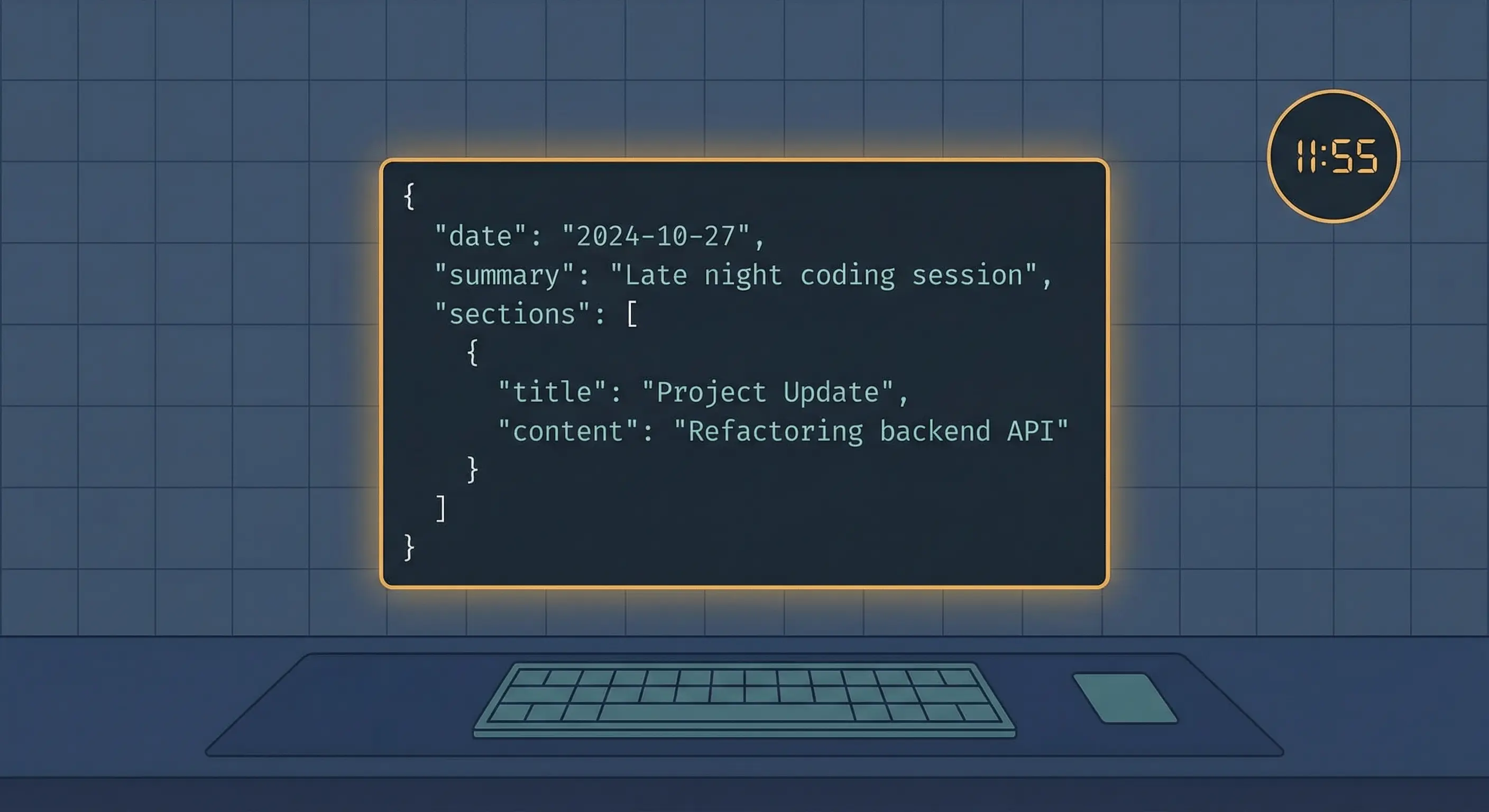
Use it for raw capture. Notes, decisions in progress, errors, reminders, links. Keep it append-only.
Curated memory
Path: MEMORY.md
Use it for durable facts and preferences. Naming conventions, key project state, long-term decisions.
Reference: OpenClaw memory concepts
OpenClaw memory file examples you can copy
Example MEMORY.md entries
Keep this short and stable.
## Preferences
- Replies should be concise and direct
- No emojis, no em dashes

## Projects
- stack-junkie-v3 is the active Stack-Junkie site repo
- Articles live under articles/[slug]/ in the workspace

## Operational rules
- Only Cron Manager session edits cron jobs
Example daily log entry
You can be messy here. This is where the truth lives while it's still warm.
- Fixed extract-blog-index.sh to point at stack-junkie-v3 content path
- Wrote draft: openclaw-persistent-memory-guide
- TODO: add screenshot of openclaw.json memorySearch block
OpenClaw memory search: embeddings, sqlite-vec, and FTS5
The memory_search tool is how the agent recalls relevant text without you pasting it again.
OpenClaw chunks your memory sources and stores embeddings in a local index so it can do similarity search. sqlite-vec is an SQLite extension that provides vec0 virtual tables for vector search.
For keyword search, SQLite FTS5 is the standard extension.
Reference: OpenClaw memory concepts
OpenClaw memory search configuration: real config from this setup
In this environment, the config lives under agents.defaults.memorySearch in ~/.openclaw/openclaw.json.
Here's the real shape from this setup, with secrets removed:
{
  "agents": {
    "defaults": {
      "workspace": "/home/molty/.openclaw/workspace",
      "memorySearch": {
        "sources": ["memory", "sessions"],
        "provider": "local",
        "fallback": "openai",
        "local": {
          "modelPath": "/home/molty/.openclaw/models/nomic-embed-text-v1.5-Q8_0.gguf"
        },
        "query": {
          "hybrid": {
            "enabled": true,
            "vectorWeight": 0.7,
            "textWeight": 0.3,
            "candidateMultiplier": 4
          }
        },
        "cache": {
          "enabled": true,
          "maxEntries": 50000
        }
      }
    }
  }
}
If you only change one thing, make it this: confirm modelPath exists on disk.
Reference: OpenClaw memory concepts
OpenClaw session recovery: compaction and preventing context loss
Compaction is normal. It shrinks the active context so your session can keep going.
Compaction doesn't save your state for you. If the information is worth keeping, it must end up in your memory files.
Practical workflow: OpenClaw context persistence with savestate and resume
Reference: OpenClaw session management and compaction
Step by step: set up persistent memory in a real OpenClaw workspace
Set up persistent memory for this OpenClaw workspace.
- Ensure MEMORY.md exists and today's daily log exists under memory/YYYY-MM-DD.md.
- Confirm agents.defaults.memorySearch is set to provider=local and the local modelPath exists.
- Run memory_search with three test queries and report: which files were retrieved, and whether results were relevant.
If any step fails, report the exact failing condition and the minimum fix.
Always review commands your agent suggests before approving them. Don't paste prompts from sources you don't trust.
Troubleshooting: OpenClaw memory_search returns nothing
Work through these in order.
- Your files are empty.
- The provider isn't configured.
- The local modelPath is wrong.
- You're searching the wrong sources.
Reference: OpenClaw memory concepts
OpenClaw memory security and privacy
Memory files are local until you choose a remote embeddings provider.
Hardening checklist: OpenClaw security hardening playbook
FAQ
Does OpenClaw store agent memory in a database or in files?
Files. OpenClaw persistent memory is Markdown in the workspace. The database part (sqlite-vec and FTS5) is a derived search index built from those files.
Can OpenClaw run local embeddings without an external API?
Yes. Set memorySearch.provider to local and point modelPath at a local GGUF embedding model like nomic-embed-text. No API key or external service required.
What data survives OpenClaw context compaction?
Everything on disk survives. Memory files, session transcripts, and project files aren't affected. Compaction only shrinks the active context window inside the model.
OpenClaw memory setup: the bottom line
If you want OpenClaw to remember things, write them down. Put durable facts in MEMORY.md, keep daily notes in memory/YYYY-MM-DD.md, and make sure memory search is actually indexing. Then compaction is annoying, but not catastrophic.
Changelog
- 2026-03-05: Draft, hero image, QA, and validation.
Sources and related OpenClaw guides
- OpenClaw memory concepts
- OpenClaw agent workspace
- OpenClaw session management and compaction
- OpenClaw memory (openclaw.im)
- Local-first RAG using SQLite for AI agent memory (PingCAP)
- sqlite-vec (GitHub)
- SQLite FTS5
- OpenClaw CLI commands reference
- OpenClaw cron jobs automation guide
- OpenClaw security hardening playbook
- 2026-03-22: Added resource link to OpenClaw Starter Kit
Fixes when it breaks. Workflows when it doesn't.
OpenClaw guides, configs, and troubleshooting notes. Every two weeks.