OpenClaw OpenRouter Setup: One API Key for Hundreds of Models
OpenClaw was previously known as Clawdbot and Moltbot. This guide applies to all versions.
OpenClaw OpenRouter setup: connect hundreds of LLM models through one API key, configure model routing, fallbacks, and cost controls in openclaw.json.
Key takeaways
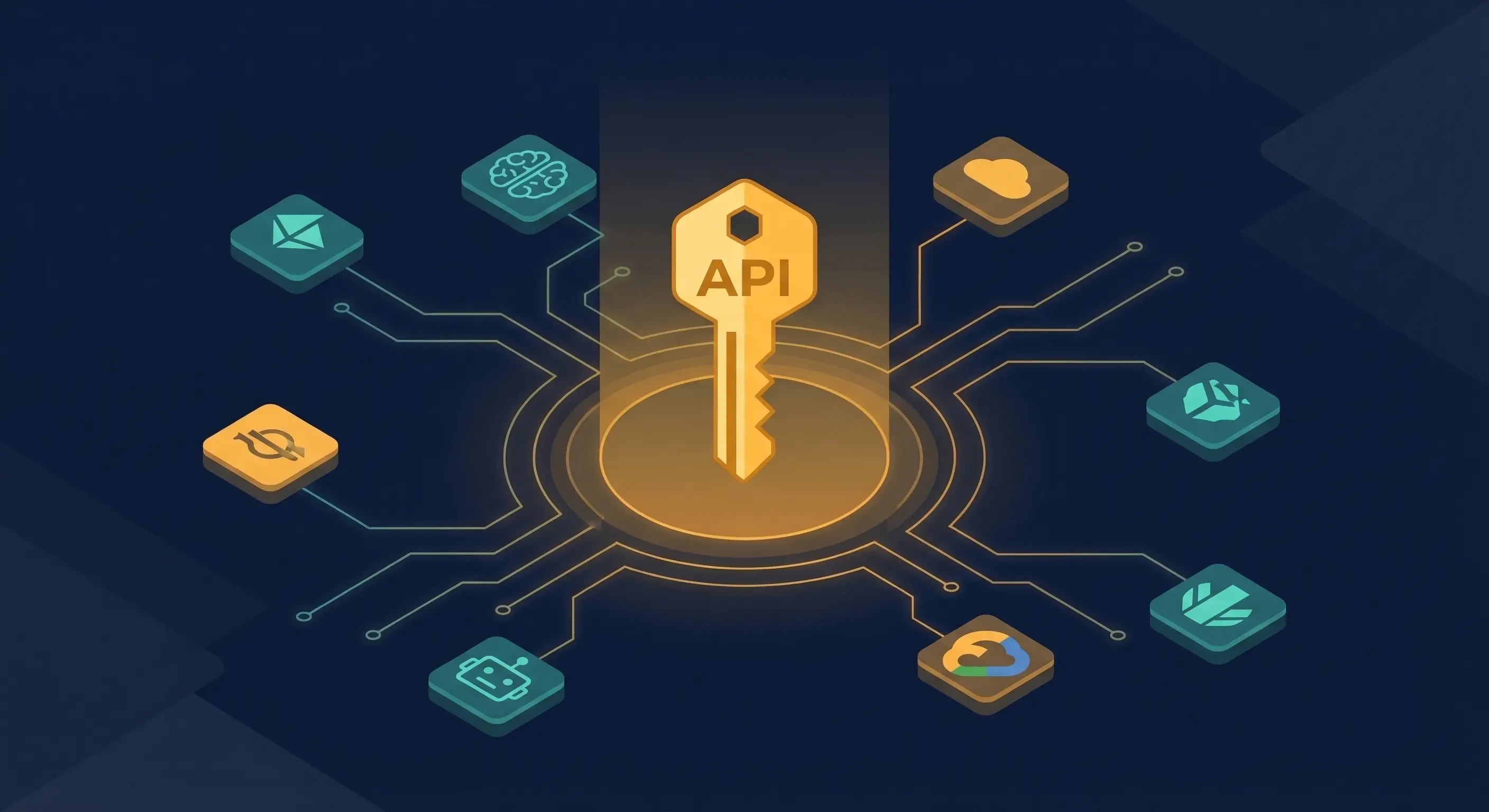
- OpenRouter connects OpenClaw to hundreds of models through a single API key and unified billing, using the model ref format
openrouter/<provider>/<model>(docs.openclaw.ai) - The setup is one CLI command:
openclaw onboard --auth-choice apiKey --token-provider openrouter --token "$OPENROUTER_API_KEY" - OpenRouter passes through provider pricing with no inference markup, and charges a small fee only on credit purchases (openrouter.ai/docs/faq)
- Model fallbacks let you specify a priority list so OpenClaw automatically retries a cheaper or more available model if the primary fails (openrouter.ai docs)
- Per-agent model routing lets heavy reasoning tasks use a powerful model while lightweight tasks use a cheaper one
Always review commands your agent suggests before approving them. Don't paste prompts from sources you don't trust.
Fixes when it breaks. Workflows when it doesn't.
OpenClaw guides, configs, and troubleshooting notes. Every two weeks.
Why one OpenRouter key replaces a dozen provider accounts
OpenRouter sits between OpenClaw and every major LLM provider. You deposit credits once, set a single API key, and get access to Claude, GPT, Gemini, Llama, Mistral, and dozens of other models through one unified API endpoint. Billing consolidates in one place, and you stop maintaining separate accounts for every provider you want to test.
OpenRouter is OpenAI-compatible, so it works with the same request format OpenClaw already uses. The only difference is the base URL and the model reference format. According to the OpenClaw provider docs, the provider is plugin-driven, handling request wrappers, capability hints, and cache-TTL policy automatically.
OpenRouter officially lists OpenClaw (previously known as Clawdbot and Moltbot) as a supported integration on their works-with page, which means the integration is tested and maintained.
How to get your OpenRouter API key and add credits
Before configuring OpenClaw, you need an OpenRouter account with credits loaded:
- Go to openrouter.ai and create an account
- Navigate to the Credits page under Settings and add credits via Stripe or crypto
- Go to API Keys under Settings and create a new key
- Copy the key (it starts with
sk-or-)
OpenRouter charges a small fee when purchasing credits. Inference itself passes through at the same price you would pay the provider directly, with no markup on per-token costs. You can track all usage in the Activity tab.
The one command that connects OpenClaw to OpenRouter
Once you have your key, run this from your server:
openclaw onboard --auth-choice apiKey --token-provider openrouter --token "$OPENROUTER_API_KEY"Replace $OPENROUTER_API_KEY with your actual key, or set the environment variable first and let the shell expand it. The OpenClaw onboard command writes the credential into your config and sets OpenRouter as the active provider.
If you prefer editing openclaw.json directly, the minimal config looks like this:
{
  "env": { "OPENROUTER_API_KEY": "sk-or-..." },
  "agents": {
    "defaults": {
      "model": { "primary": "openrouter/anthropic/claude-sonnet-4-6" }
    }
  }
}
The env block stores your key, and agents.defaults.model.primary sets what model all agents use by default. You can verify the connection by running openclaw models list to see available models from OpenRouter.
How model refs work in OpenClaw with OpenRouter
Every OpenRouter model follows the format openrouter/<provider>/<model>. A few real examples:
openrouter/anthropic/claude-sonnet-4-6openrouter/openai/gpt-4oopenrouter/google/gemini-2.0-flash-001openrouter/meta-llama/llama-3.3-70b-instructopenrouter/mistralai/mistral-small-3.1-24b-instruct
You can use variant suffixes to modify behavior. Append :free to use a model's free tier when available, :nitro for high-speed inference, or :thinking for extended reasoning mode. For example: openrouter/anthropic/claude-sonnet-4-6:thinking.
According to the OpenClaw model providers docs, the OpenRouter plugin supports resolveDynamicModel, so you can reference model IDs not yet in the local static catalog without breaking your setup.
How to configure model fallbacks in openclaw.json
OpenRouter supports automatic fallbacks when a model is rate-limited, down, or refuses a request due to content moderation. You pass a models array in the request. In OpenClaw, you configure this through the agent defaults.
A practical fallback config:
{
  "env": { "OPENROUTER_API_KEY": "sk-or-..." },
  "agents": {
    "defaults": {
      "model": {
        "primary": "openrouter/anthropic/claude-sonnet-4-6",
        "fallbacks": [
          "openrouter/openai/gpt-4o-mini",
          "openrouter/google/gemini-2.0-flash-001"
        ]
      }
    }
  }
}
When the primary model returns an error, OpenRouter tries the fallback list in order. Any error type can trigger a fallback by default: context length limits, rate limiting, downtime, or moderation refusals. You are charged for whichever model actually completed the request, returned in the model field of the response.
How to route different OpenClaw agents to different models
If you run multiple agents, you can override the default model per agent. Heavy reasoning tasks go to a powerful (and expensive) model. Lightweight classification or summarization tasks go to something faster and cheaper.
{
  "env": { "OPENROUTER_API_KEY": "sk-or-..." },
  "agents": {
    "defaults": {
      "model": { "primary": "openrouter/google/gemini-2.0-flash-001" }
    },
    "overrides": {
      "main": {
        "model": { "primary": "openrouter/anthropic/claude-opus-4-6" }
      },
      "summarizer": {
        "model": {
          "primary": "openrouter/meta-llama/llama-3.3-70b-instruct:free"
        }
      }
    }
  }
}
This config routes the main agent (which handles complex decisions) to Claude Opus, routes summarizer to a free Llama variant, and uses Gemini Flash as the default for everything else. The OpenClaw model providers system may treat the agents.defaults.models key as an allowlist that restricts which models the agent can use. Check the OpenClaw model providers docs for current behavior.
How to control OpenRouter costs from OpenClaw
A few practical approaches to keep costs under control:
Use :free variants for testing. Many models have free-tier variants on OpenRouter. While free tier models may have lower rate limits, they cost nothing. Set openrouter/mistralai/mistral-small-3.1-24b-instruct:free as a fallback for low-stakes tasks to avoid burning credits on experiments.
Set provider routing to sort by price. OpenRouter supports a sort field on the provider object. Setting sort: "price" routes to the cheapest available provider for that model when multiple providers serve the same model.
Use OpenRouter's spending limits. The OpenRouter dashboard lets you set hard credit limits on your API keys. Create a separate key for each environment (dev, prod) with different credit caps. This prevents runaway costs from a misconfigured agent.
Pick cheaper models for lightweight tasks. OpenRouter displays per-million-token pricing for every model. Gemini Flash, Llama 3.3 70B, and Mistral Small run at a fraction of Claude Opus or GPT-4 costs for tasks that do not need frontier reasoning.
For more cost management strategies specific to OpenClaw, see the OpenClaw cost control guide.
How OpenRouter provider routing controls which backends serve your requests
By default, OpenRouter load-balances your requests across the top-performing providers for a given model, optimizing for uptime. You can override this behavior with the provider object. In OpenClaw, you set these as extra parameters in your agent config.
The most useful provider routing options:
| Field | Type | What it does |
|---|---|---|
order | string[] | Try providers in this exact order (e.g., ["anthropic", "openai"]) |
allow_fallbacks | bool | Set false to hard-fail if your first provider is down |
data_collection | "allow"/"deny" | Block providers that store your request data |
zdr | bool | Restrict to Zero Data Retention endpoints only |
only | string[] | Whitelist specific provider backends |
ignore | string[] | Skip specific provider backends |
sort | string | Sort by "price", "throughput", or "latency" |
For privacy-sensitive workloads, data_collection: "deny" combined with zdr: true restricts routing to providers that do not retain request data.
Key terms
OpenRouter: A unified API gateway that routes LLM requests to hundreds of models across providers like Anthropic, OpenAI, Google, Meta, and Mistral. OpenAI-compatible, with consolidated billing and automatic failover. See openrouter.ai/docs.
Model ref: The string identifier for a model in OpenClaw. For OpenRouter models, the format is openrouter/<provider>/<model>. For example, openrouter/anthropic/claude-sonnet-4-6. The provider prefix tells OpenClaw which plugin to route the request through.
Model fallback: A priority-ordered list of models that OpenRouter tries in sequence if the primary model returns an error. Configured via the fallbacks array in agents.defaults.model. Requests are charged at the rate of whichever model completed them.
BYOK (Bring Your Own Key): An OpenRouter feature where you supply your own provider API keys (e.g., your own Anthropic key) and route requests through OpenRouter's infrastructure. The first batch of BYOK requests per month are free; beyond that, a small routing fee applies. See the OpenRouter BYOK docs for current thresholds and fees.
FAQ
How do I add OpenRouter to an existing OpenClaw installation that already uses Anthropic directly?
Run openclaw onboard --auth-choice apiKey --token-provider openrouter --token "sk-or-..." to add OpenRouter as a provider. You do not need to remove your existing Anthropic key. In openclaw.json, update agents.defaults.model.primary to an openrouter/anthropic/claude-sonnet-4-6 ref. Your old Anthropic config stays intact and you can switch back by changing the model ref.
Does OpenClaw OpenRouter setup cost more than going directly to Anthropic or OpenAI?
No. OpenRouter passes through the underlying provider's per-token pricing without any inference markup, as confirmed in the OpenRouter FAQ. You pay a small fee when purchasing OpenRouter credits (Stripe or crypto), but the actual inference cost is identical to what you would pay Anthropic or OpenAI directly. The tradeoff is a small credit purchase fee for unified billing and multi-model access.
What is the correct model ref format for OpenRouter models in openclaw.json?
The format is openrouter/<provider>/<model>. Examples: openrouter/anthropic/claude-sonnet-4-6, openrouter/openai/gpt-4o, openrouter/google/gemini-2.0-flash-001. You can append variant suffixes: openrouter/anthropic/claude-sonnet-4-6:thinking for extended reasoning or openrouter/meta-llama/llama-3.3-70b-instruct:free for the free tier. Run openclaw models list to see all available refs after setup.
Can OpenClaw use OpenRouter model fallbacks if Claude goes down?
Yes. Configure a fallbacks array under agents.defaults.model in openclaw.json. OpenRouter will automatically try each model in sequence if the primary returns an error (rate limit, downtime, context overflow, or moderation refusal). You are charged only for the model that successfully completed the request.
Evidence & Methodology
This guide draws from:
- OpenClaw OpenRouter Provider Docs (official, fetched 2026-03-23)
- OpenClaw Model Providers Docs (official, fetched 2026-03-23)
- OpenRouter Model Fallbacks Docs (official, fetched 2026-03-23)
- OpenRouter Provider Routing Docs (official, fetched 2026-03-23)
- OpenRouter FAQ (official, fetched 2026-03-23)
- OpenRouter Works With OpenClaw (official listing)
All config examples are derived from official documentation. Pricing claims are sourced directly from OpenRouter's public FAQ.
Related resources
- OpenClaw Cost Control: Manage API Spending Without Killing Your Agent
- OpenClaw Multi-Agent Setup Guide
- OpenClaw System Prompt Design Guide
- OpenClaw CLI Commands Reference
Changelog
| Date | Change |
|---|---|
| 2026-03-23 | Initial publication |
Fixes when it breaks. Workflows when it doesn't.
OpenClaw guides, configs, and troubleshooting notes. Every two weeks.