Fix OpenClaw Telegram Group ID and Chat ID Errors
OpenClaw was previously known as Clawdbot and Moltbot. This guide applies to all versions.
Fix OpenClaw Telegram chat ID errors. Covers supergroup vs regular group IDs, finding the correct ID, and what happens when a group upgrades.
Key takeaways
- Regular Telegram group IDs look like
-123456789. Supergroup IDs look like-1001234567890. They are not interchangeable. - When a group upgrades to a supergroup, the chat ID changes permanently. Your old pairing stops working and a new pairing request appears in the logs.
- Always copy the chat ID from OpenClaw's logs, not from third-party tools. The logs show the exact format OpenClaw expects.
- Never remove the minus sign from a group ID.
-1001234567890and1001234567890are completely different to Telegram's API.
OpenClaw needs the correct numeric chat ID to interact with any Telegram group. If the ID is wrong, the bot silently ignores the group or throws pairing errors. Group IDs in Telegram have a confusing format that changes when a group upgrades, which is the most common source of this problem.
Always review commands your agent suggests before approving them. Don't paste prompts from sources you don't trust.
Fixes when it breaks. Workflows when it doesn't.
OpenClaw guides, configs, and troubleshooting notes. Every two weeks.
Telegram supergroups vs regular groups: ID format differences
Telegram has two types of groups with different ID formats:
| Group type | ID format | Example |
|---|---|---|
| Regular group | - followed by digits | -123456789 |
| Supergroup | -100 followed by digits | -1001234567890 |
Regular groups automatically upgrade to supergroups when you:
- Enable topics (forum mode)
- Add an admin bot
- Set the group to public with a username
- Exceed a certain member count
- Enable certain admin features
When this upgrade happens, the chat ID changes permanently. The old ID stops working. OpenClaw's pairing for the old ID becomes invalid, and the bot creates a new pairing request with the new supergroup ID.
How to find your Telegram group's chat ID for OpenClaw
The most reliable method is to check OpenClaw's logs:
openclaw logs --followSend a message in the group. The logs show:
Received message in chat -1001234567890
That is your group ID. Use it exactly as shown, including the minus sign.
If the bot is not yet in the group, add it and check for the pairing request:
Pairing request from group -1001234567890 (My Group Chat)
The ID in the pairing request line is the correct one.
Alternative: use the Telegram Bot API directly
If you cannot check OpenClaw logs, you can get the chat ID through the Telegram Bot API:
curl -s "https://api.telegram.org/bot<YOUR_TOKEN>/getUpdates" | python3 -m json.toolLook for "chat": {"id": -1001234567890} in the response. This requires that someone has sent a message in the group after the bot was added.
What happens to your OpenClaw pairing when a Telegram group upgrades
When a regular group becomes a supergroup:
- Telegram assigns a new chat ID (adding
100after the minus sign) - OpenClaw's pairing for the old ID becomes orphaned
- The bot logs a new pairing request with the new ID
- The bot stops responding in that group until you approve the new pairing
The fix:
Check for the new pairing request:
openclaw pairing pendingApprove the new ID:
openclaw pairing approve telegram -1001234567890The old pairing for -123456789 sits in your pairings list doing nothing. It does not cause problems, but you can clean it up by editing ~/.openclaw/data/pairings.json if it bothers you.
Common OpenClaw Telegram chat ID mistakes
Removing the minus sign. Group IDs are negative numbers. -1001234567890 is a group. 1001234567890 is either a different entity or invalid. Always include the minus sign.
Using the group username or invite link. OpenClaw needs the numeric chat ID, not @mygroup or https://t.me/mygroup. These are different identifiers that Telegram uses for different purposes.
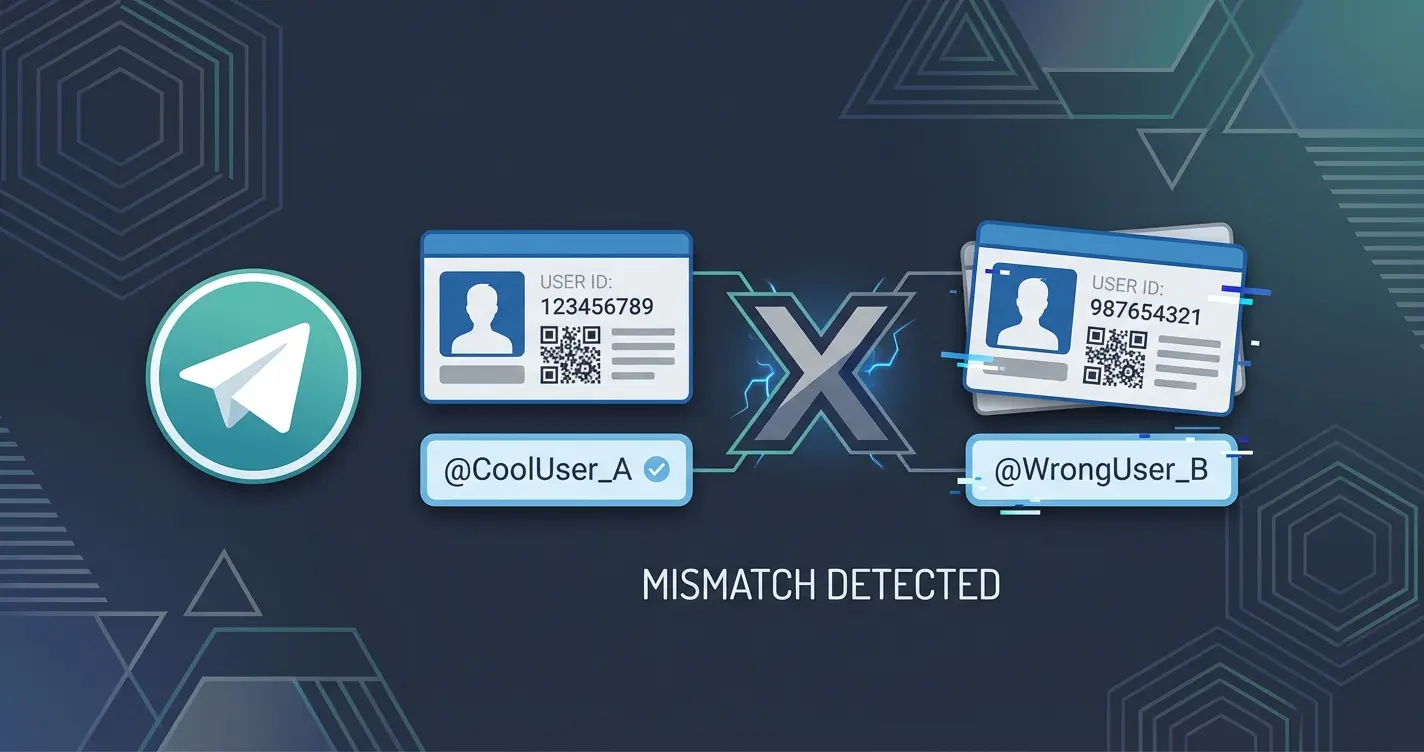
Using a user ID instead of a group ID. User IDs are positive numbers like 123456789. Group IDs are negative. If you accidentally put a user ID where a group ID goes, nothing matches.
Copying the ID from a third-party bot. Some bots display IDs in different formats (with or without the -100 prefix, or as a positive number). Always use the ID from OpenClaw's own logs to avoid format mismatches.
OpenClaw with Telegram forum topics and thread IDs
If your group uses Telegram's forum/topics feature, each topic has a thread ID in addition to the group's chat ID. OpenClaw handles topics using the group's main chat ID for pairing. Individual topic routing is configured separately.
The pairing approval uses the group ID, not individual topic IDs:
openclaw pairing approve telegram -1001234567890This approves the bot for the entire group, including all topics within it.
Verify the correct Telegram group ID in OpenClaw
After approving a pairing, confirm it is listed:
openclaw pairing listThe output shows every approved pairing with its chat ID and display name. If the group appears with the correct name, the ID is right.
Send a test message in the group. If the bot responds, the ID and pairing are both correct. If it does not respond, check for other causes of silent bots like requireMention or Privacy Mode.
FAQ
Why does my Telegram group ID keep changing in OpenClaw?
It only changes once, when Telegram upgrades your regular group to a supergroup. The ID format shifts from -123456789 to -1001234567890. After that, the supergroup ID is permanent. You can't prevent the upgrade when adding bots or enabling certain features, but the new ID won't change again.
Can I use a Telegram group's @username instead of the numeric chat ID in OpenClaw?
No. OpenClaw requires the numeric chat ID for pairing and message routing. The @username is a Telegram convenience feature that doesn't map to OpenClaw's internal pairing system. Always use the numeric ID from openclaw logs.
I see two OpenClaw pairings for the same Telegram group. Is that a problem?
Not functionally. The old pairing from before the group upgraded to a supergroup is orphaned. It never matches incoming messages because the old chat ID no longer exists in Telegram. You can leave it or remove it from ~/.openclaw/data/pairings.json.
How do I find a Telegram group's chat ID for OpenClaw without being an admin?
Send a message in the group while running openclaw logs --follow. The log line shows the chat ID regardless of your admin status. You just need to be a member of the group with the OpenClaw bot present.
Changelog
- 2026-03-06: Created (split from fix-openclaw-telegram-errors)
Fixes when it breaks. Workflows when it doesn't.
OpenClaw guides, configs, and troubleshooting notes. Every two weeks.