Fix OpenClaw Telegram Connection Errors: ETIMEOUT and ECONNREFUSED
OpenClaw was previously known as Clawdbot and Moltbot. This guide applies to all versions.
Fix OpenClaw Telegram connection errors including ETIMEOUT, ECONNREFUSED, and ENOTFOUND. Covers DNS issues, firewall rules, proxy configuration, and VPS provider blocks.
Key takeaways
- ETIMEOUT and ECONNREFUSED mean your server cannot reach Telegram's API. This is a network problem, not an OpenClaw problem.
- Test connectivity with
curl -s https://api.telegram.org. If that fails, the issue is DNS, firewall, or your hosting provider. - Single connection drops followed by "Telegram channel started" are normal. OpenClaw reconnects automatically. No action needed.
- Some VPS providers block Telegram API traffic. If nothing else works, try a different provider or use a proxy.
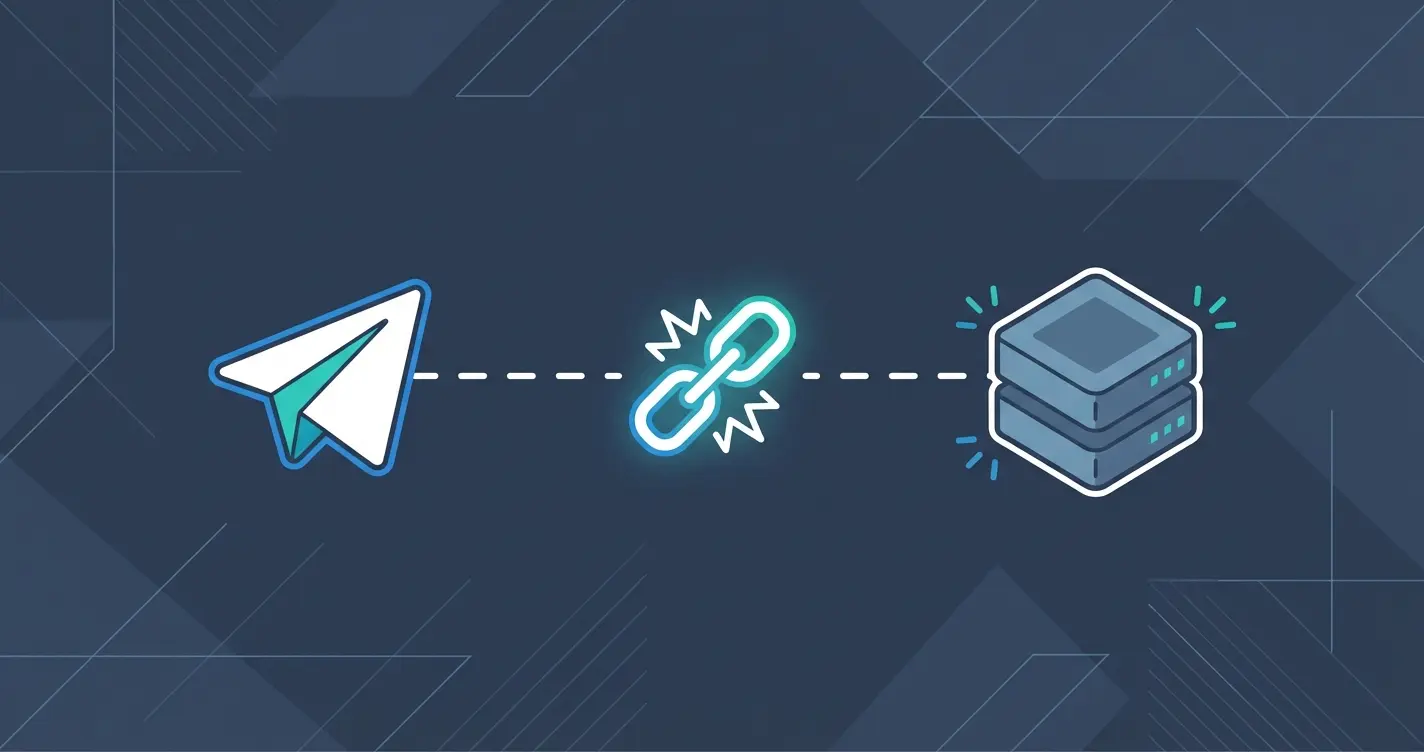
Your OpenClaw logs show connection errors like ETIMEOUT, ECONNREFUSED, or ENOTFOUND when trying to reach Telegram's API. These are network-level failures between your server and api.telegram.org. The bot cannot connect at all, so it never receives or sends messages.
Always review commands your agent suggests before approving them. Don't paste prompts from sources you don't trust.
Fixes when it breaks. Workflows when it doesn't.
OpenClaw guides, configs, and troubleshooting notes. Every two weeks.
Identify OpenClaw Telegram connection error types
The logs show one of these patterns:
Telegram channel error: ETIMEOUT
Telegram channel error: ECONNREFUSED
Telegram channel error: getaddrinfo ENOTFOUND api.telegram.org
Each points to a different layer of the problem:
| Error | Meaning | Layer |
|---|---|---|
ENOTFOUND | DNS cannot resolve api.telegram.org | DNS |
ECONNREFUSED | Server resolved the IP but connection was actively refused | Firewall or port block |
ETIMEOUT | Connection attempt timed out with no response | Network path blocked or very slow |
Fix OpenClaw Telegram ENOTFOUND DNS failure
Your server cannot resolve the hostname api.telegram.org to an IP address.
Test DNS resolution:
nslookup api.telegram.orgIf this fails or times out, your DNS is broken. Check your DNS configuration:
cat /etc/resolv.confIf the nameserver is missing or pointing to an unreachable server, add a public DNS:
Temporary fix (resets on reboot):
echo "nameserver 1.1.1.1" | sudo tee /etc/resolv.confOr use Google's DNS:
echo "nameserver 8.8.8.8" | sudo tee /etc/resolv.confFor a permanent fix on Ubuntu/Debian:
sudo systemctl restart systemd-resolvedOr configure DNS in your VPS provider's network settings panel.
Fix OpenClaw Telegram ECONNREFUSED port blocked
DNS works but the connection is actively refused. This usually means a firewall is blocking outbound HTTPS traffic.
Test connectivity:
curl -s https://api.telegram.orgIf it hangs or returns a connection error, check your firewall rules:
Check iptables:
sudo iptables -L -n | grep -i dropCheck ufw (Ubuntu):
sudo ufw statusMake sure outbound HTTPS (port 443) is allowed:
Allow with ufw:
sudo ufw allow out 443/tcpAllow with iptables:
sudo iptables -A OUTPUT -p tcp --dport 443 -j ACCEPTSome VPS providers have a separate firewall panel in their web dashboard that operates independently of iptables. Check your provider's control panel for firewall rules.
Fix OpenClaw Telegram ETIMEOUT network timeout
The connection attempt gets no response at all. This is the hardest to debug because it could be anywhere between your server and Telegram.
Step through these checks:
- Basic connectivity:
curl -s --connect-timeout 10 https://api.telegram.orgIf this times out, the problem is between your server and Telegram's servers.
- Can you reach other HTTPS sites?
curl -s https://www.google.com > /dev/null && echo "OK" || echo "FAIL"If this also fails, your server has a general outbound connectivity problem, not Telegram-specific.
- Traceroute to Telegram:
traceroute api.telegram.orgLook for where the packets stop. If they die at your server's gateway, the issue is local. If they die several hops out, it could be your ISP or hosting provider blocking traffic.
- Try a different DNS:
curl -s --resolve api.telegram.org:443:149.154.167.220 https://api.telegram.orgThis bypasses DNS and connects directly to one of Telegram's known IPs. If this works but normal resolution does not, DNS is the problem.
Configure OpenClaw HTTPS proxy for Telegram
If your server is behind a corporate proxy or your provider blocks Telegram, configure OpenClaw to use an HTTPS proxy:
export HTTPS_PROXY="http://your-proxy-host:8080"
openclaw gateway restart
Replace your-proxy-host:8080 with your actual proxy address and port.
Or set it permanently in your shell profile:
echo 'export HTTPS_PROXY="http://your-proxy-host:8080"' >> ~/.bashrc
source ~/.bashrc
openclaw gateway restart
OpenClaw uses Node.js HTTP clients that respect the HTTPS_PROXY environment variable.
VPS providers that block Telegram API
Some hosting providers block or throttle Telegram API traffic, especially budget providers in certain regions. Symptoms:
- Telegram connections fail but everything else works
- Connections work intermittently, dropping every few minutes
- Initial connection works but long-polling times out repeatedly
If you have confirmed that DNS, firewall, and proxy are all correct and Telegram is still unreachable:
- Try connecting from a different network to confirm the block
- Contact your hosting provider's support and ask if they block Telegram
- Consider a provider that reliably supports Telegram. The DigitalOcean VPS guide covers a provider that works without issues.
OpenClaw Telegram intermittent connection drops
If you see occasional single connection errors followed by Telegram channel started, that is normal behavior. Telegram's API servers have brief outages, and OpenClaw reconnects automatically.
Telegram channel error: ETIMEOUT
Telegram channel started
No action needed. OpenClaw handles reconnection internally. Only investigate if:
- Drops happen more than a few times per hour
- The bot fails to reconnect (no
Telegram channel startedline after the error) - The bot stays disconnected for more than a few minutes
Fix persistent OpenClaw Telegram connection failures
If the bot cannot connect for more than a few minutes, verify the API is reachable:
BASE="https://api.telegram.org"
TOKEN="$YOUR_TELEGRAM_BOT_TOKEN"
curl -s "${BASE}/bot${TOKEN}/getMe"
If this returns your bot's info, the API is reachable and the problem may be in your OpenClaw config or gateway process. Restart the gateway:
openclaw gateway restartIf curl also fails, the problem is network-level. Work through the DNS, firewall, and provider checks above.
FAQ
Does OpenClaw automatically reconnect to Telegram after a connection drop?
Yes. OpenClaw reconnects automatically after ETIMEOUT or ECONNREFUSED errors. During the brief disconnection, Telegram queues incoming messages. When OpenClaw reconnects, it retrieves queued messages through polling. Short drops rarely lose messages, but long outages can cause Telegram to drop older updates.
Can I configure a fallback Telegram API endpoint in OpenClaw?
No. OpenClaw connects to api.telegram.org, which Telegram load-balances across multiple data centers. There is no user-configurable fallback endpoint, but Telegram's own infrastructure redundancy handles most outages without intervention.
Why does my OpenClaw Telegram bot connect from my home server but not from my VPS?
Your home ISP routes to Telegram's servers differently than your VPS provider. The VPS provider may block or deprioritize Telegram API traffic. Try a different VPS region, a different provider, or configure an HTTPS proxy to route around the block.
What does ECONNRESET mean in OpenClaw Telegram logs?
ECONNRESET means the connection to Telegram's API was established but then dropped mid-stream. This is usually an intermittent network issue or a proxy/firewall terminating idle connections. OpenClaw reconnects automatically. If ECONNRESET happens frequently, check for proxy timeouts or aggressive firewall rules that kill idle TCP connections.
Changelog
- 2026-03-06: Created (split from fix-openclaw-telegram-errors)
Fixes when it breaks. Workflows when it doesn't.
OpenClaw guides, configs, and troubleshooting notes. Every two weeks.